Can You Use AI Portraits on Your Dating Profile?

The question of using ai portraits for dating profile photos is a hot topic, and for good reason. In a world of swiping left or right in seconds, your first picture is your most important asset. AI promises a flawless, studio-quality image, but it also walks a fine line between enhancement and deception. So, can you use them? The short answer is yes, but the long answer is: you have to do it right.
As a portrait photographer, I’ve spent years helping people capture their best, most authentic selves. Now, with AI tools in the mix, the principles are the same, but the methods have evolved. This guide will walk you through how to use AI-generated photos to boost your profile, not sabotage it.
The Authenticity Dilemma: Enhancement vs. Deception
Let's get this out of the way first: using an AI-generated photo is not automatically catfishing. Catfishing is the act of creating a fictional persona to deceive someone. The key word here is fictional.
If you use an AI tool to generate an image of a completely different person, that's deception. But if you use an AI photo studio that takes your real selfies and creates a high-quality portrait that still looks exactly like you—just with better lighting and a professional background—that's enhancement. It's the digital equivalent of getting a professional headshot, which has always been a smart move for online profiles.
The goal is to present yourself as you on your best day. Think of it like this: you'd probably wear a nice outfit, do your hair, and meet a date in a place with flattering lighting. An AI portrait does the same thing for your profile picture, setting the stage for a great first impression.
How to Create AI Portraits for Your Dating Profile That Work
Creating an effective AI portrait isn't about clicking a button and hoping for the best. It's a process. The quality of your final image is directly tied to the quality of the photos you provide the AI. Garbage in, garbage out.
Step 1: Start with High-Quality Source Photos
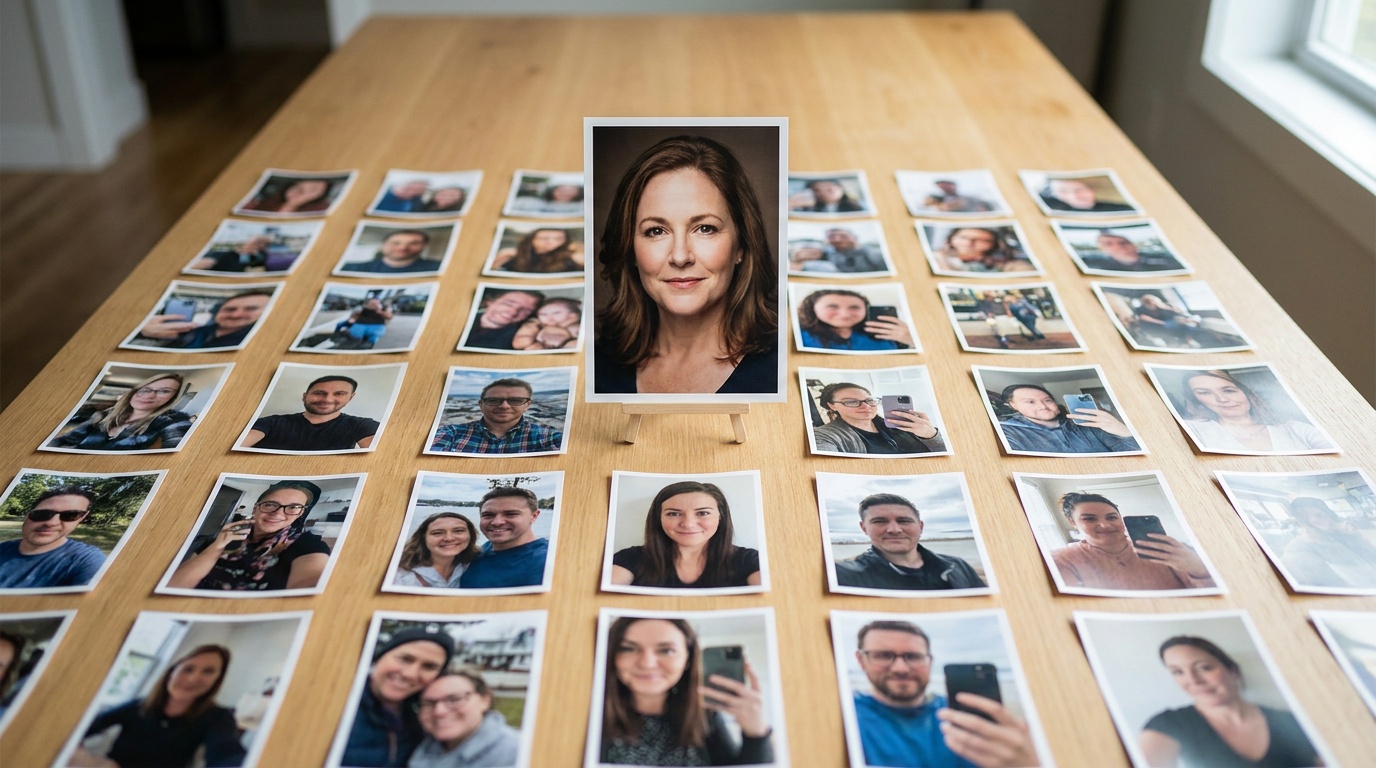
The AI learns your face from the images you upload. To get a result that is both flattering and, crucially, accurate, you need to provide good data. Don't just upload a few blurry photos from a night out.
Your Source Photo Checklist:
- Upload 10–20 recent photos. They should be from the last year to accurately reflect your current appearance.
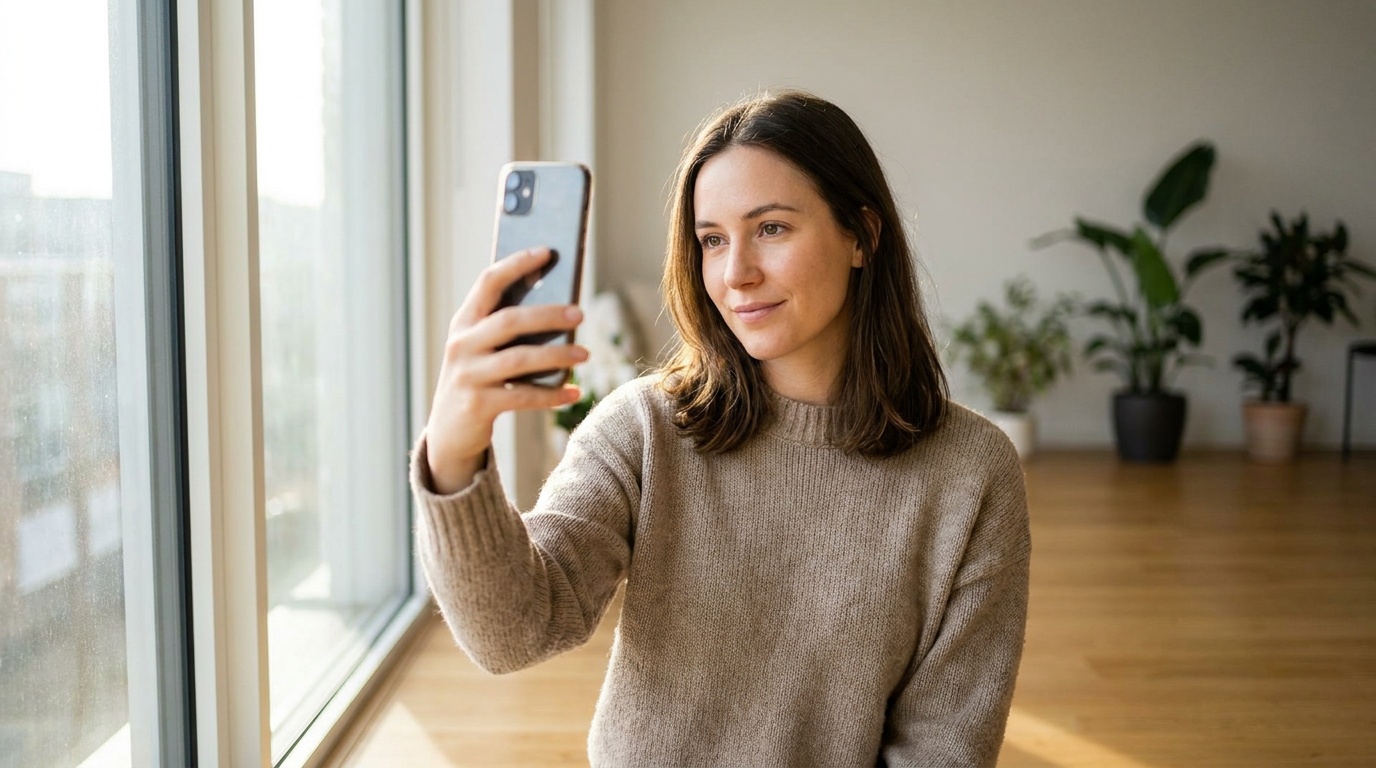
- Use clear, well-lit selfies. Face a window for soft, natural light. This is the most flattering light and it helps the AI see your features clearly. Avoid harsh overhead lighting or heavy shadows.
- Show your face from multiple angles. Include photos looking straight at the camera, a three-quarter view, and a side profile. This helps the AI build a 3D model of your face, leading to more realistic results.
- Vary your expressions. Include a mix of smiles (with and without teeth) and more neutral, relaxed expressions.
- No obstructions. Avoid photos with sunglasses, hats, heavy makeup, or your hand covering part of your face. The AI needs a clear, unobstructed view.
Take the time to capture new selfies specifically for this purpose. It will make a world of difference in the final output.
Step 2: Choose the Right AI Style
This is where many people go wrong. AI tools offer a universe of creative styles, from fantasy warrior to pop-art icon. For a dating profile, you must resist temptation and choose styles grounded in reality.
Styles to Use:
- Professional Headshots/Studio Portraits: These are your best bet. They look clean, confident, and intentional. They say, "I take myself seriously, but I also have great taste." Services like Portretto can turn a simple selfie into a studio-quality portrait that looks like it was taken by a professional photographer, preserving your unique facial features.
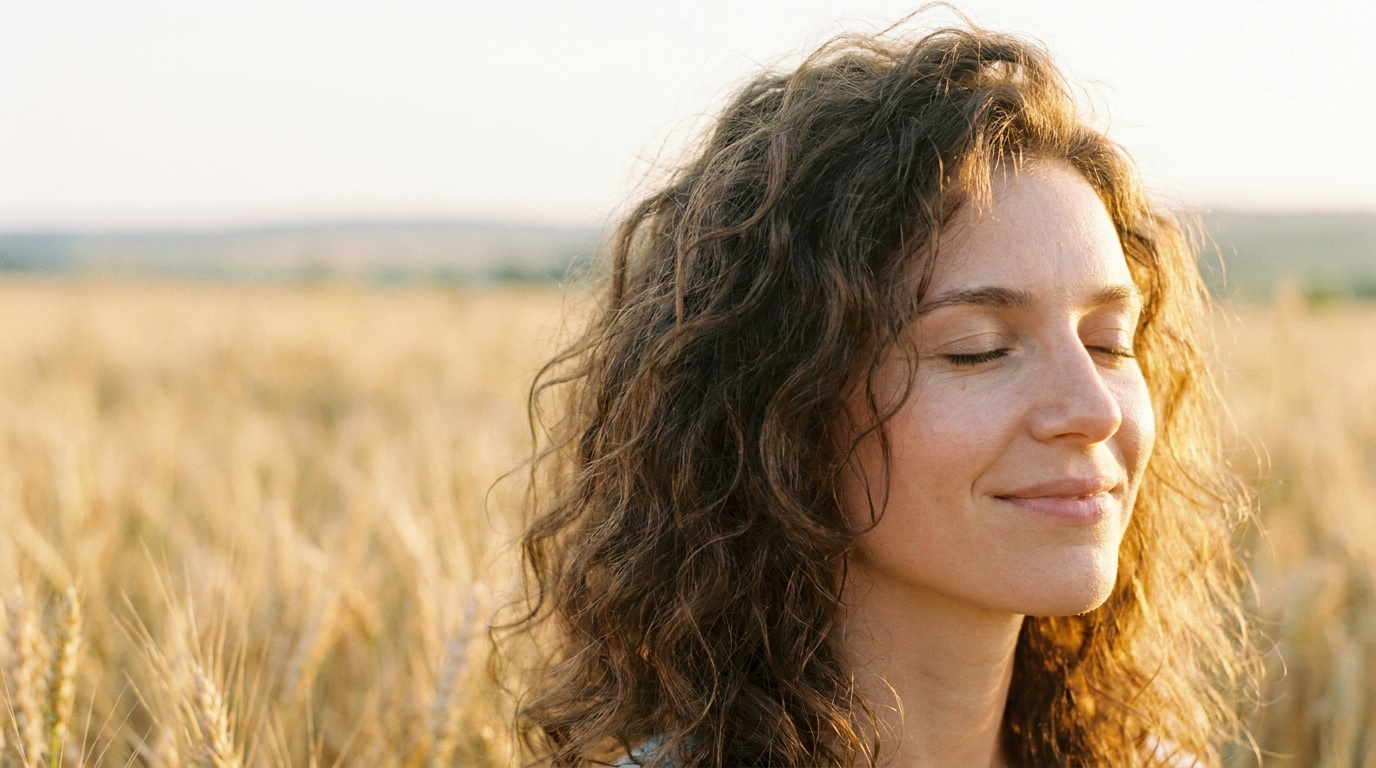
- Golden Hour: This style mimics the warm, soft light of sunset. It's universally flattering and gives off a relaxed, approachable, and slightly romantic vibe.
- Black and White: A classic black and white portrait can be incredibly powerful. It feels timeless, artistic, and sophisticated. It strips away color distractions and focuses attention on your expression and features.
- Outdoor/Lifestyle: Some AI tools can place you in realistic outdoor settings. A shot that looks like you're on a city balcony or in a park can feel more natural and less staged than a studio backdrop.
Styles to Avoid:
- Fantasy, Sci-Fi, Anime, or Cartoon: These are fun, but they don't belong on a dating profile. They scream "I'm not serious" and can make people question what you actually look like.
- Overly Airbrushed or "Beauty" Filters: Avoid styles that dramatically alter your face shape, skin texture, or features. The goal is enhancement, not transformation. You want your date to recognize you when you meet.
Step 3: Curate and Vet Your Final Selection
The AI will generate multiple options. Your job is to be a ruthless editor. Do not just pick the first one that looks cool. Scrutinize each image with a critical eye.
Your Vetting Checklist:
- The Friend Test: Send your top 2-3 choices to a trusted friend who will give you an honest opinion. Ask them one simple question: "Does this look like me?"
- Feature Check: Look closely at the details. Are your eyes the right shape and color? Is that your nose? Is your signature mole or freckle pattern still there? The best AI portraits retain these unique identifiers.
- The Uncanny Valley Test: Does anything feel "off"? AI can sometimes create subtle weirdness—a slightly too-smooth skin texture, an unnaturally symmetrical feature, or a weirdly rendered background. If an image gives you a slightly strange feeling, discard it. Your potential matches will feel it too.
- The Vibe Check: Does the photo represent the personality you want to project? If you're an easy-going, outdoorsy person, a super-corporate, stiff headshot might not be the best fit, even if it's a technically good photo.
The Dos and Don'ts of Using AI Portraits on Your Profile
Once you have your perfect AI portrait, how do you use it? The key is integration. It should be one part of a larger, authentic story.
The Dos
- Do use one, maybe two, AI portraits at most. Your main profile picture is the perfect place for a high-quality AI headshot. It's your hook—the photo that makes someone stop scrolling. You could potentially use a second one if it shows a completely different vibe (e.g., one studio headshot and one outdoor golden hour shot).
- Do make it your first or second photo. Lead with your strongest image to make the best possible first impression.
- Do mix it with a variety of real, candid photos. This is the most important rule. Your other photos (4-6 of them) should balance out the polished AI portrait. They must show the real you:
- A full-body shot.
- A photo with friends (where it's clear who you are).
- A photo of you engaged in a hobby (hiking, painting, playing guitar).
- A photo from your travels.
This mix builds trust and paints a complete picture of your life and personality.
The Don'ts
- Don't build a profile using only AI photos. This is the biggest red flag. It looks fake, suggests you have something to hide, and is an instant left-swipe for most people. It screams "catfish" even if the photos are of you.
- Don't choose an AI portrait that dramatically alters your appearance. If you've lost or gained weight, changed your hair color, or look different than you did a year ago, do not use an AI-generated image based on old photos. It will lead to an awkward first date.
- Don't use photos with obvious AI artifacts. Check the hands, the background details, and the texture of clothing. Glitches or weirdly rendered elements are a dead giveaway and break the illusion of a real photograph.
- Don't be weird about it if asked. If you meet someone and they mention your great profile picture, be cool about it. You can simply say, "Thanks! I got a professional headshot done," or even be transparent: "Thanks, I actually used an AI tool to get a decent headshot. Pretty cool, right?" Honesty is always the best policy.
Upload a photo, pick a look and get your portrait in a minute. Your face stays yours.
Try itCommon Mistakes and How to Avoid Them
Navigating this new territory can be tricky. Here are some common pitfalls I see people fall into.
- The "Digital Plastic Surgery" Effect: Some people choose the most smoothed, sculpted, and perfected version of themselves. This sets up unrealistic expectations. Avoid it by: Choosing AI styles that prioritize realism and selecting the final image that looks most like you in the mirror, not a supermodel version.
- The Style Mismatch: Your profile tells a story. Having a hyper-professional AI headshot followed by a gallery of blurry, low-quality phone snaps from 2015 is jarring. Avoid it by: Ensuring all your photos, even the candid ones, are reasonably clear and recent. Your profile should feel cohesive.
- Forgetting the Background: People don't just look at you; they look at the whole picture. A great portrait in a boring or fake-looking AI-generated setting can fall flat. Avoid it by: Choosing styles with natural-looking backgrounds, like a softly blurred office, a realistic outdoor scene, or a classic photographer's studio backdrop.
The Final Verdict
So, can you use AI portraits for your dating profile? Absolutely. When used thoughtfully, they can be a powerful tool to help you stand out and make a fantastic first impression.
They solve a real problem: most of us are not professional photographers and struggle to get a single, high-quality picture that we feel confident about. An AI-enhanced portrait can give you that confidence, acting as the polished, inviting front door to your profile.
The key is to use it as a starting point, not the whole story. Pair that one amazing AI headshot with a collection of real, candid photos that show your personality, your life, and your passions. Authenticity is, and always will be, the most attractive quality. Use AI to highlight that authenticity, not to hide it.
FAQ
Is using an AI portrait on a dating app considered catfishing?
It's not catfishing if the portrait is generated from your own recent photos and accurately represents what you look like. It becomes deceptive only if you use it to drastically alter your appearance or use a photo of someone else. The goal is enhancement, not creating a fictional identity.
How many AI photos should I use on my dating profile?
The best practice is to use only one, or at the absolute most, two AI-generated portraits. Use your best one as your main profile picture to make a strong first impression, then fill the rest of your profile with recent, candid photos of you in real-life situations.
What is the best style of AI portrait for a dating profile?
Stick to realistic styles that look like they could have been taken by a professional photographer. Excellent choices include studio portraits, business headshots, golden hour photos, and classic black and white. Avoid fantasy, anime, or heavily stylized themes, as they feel inauthentic for a dating profile.
Can people tell if I'm using an AI-generated photo?
It depends on the quality. The best AI portraits are nearly indistinguishable from real, professionally taken photographs, especially if you follow best practices for source images and curation. However, profiles that use only AI photos or images with obvious digital artifacts are easy to spot and are often met with suspicion.