AI Headshots for Actors on a Budget: Your 2024 Guide
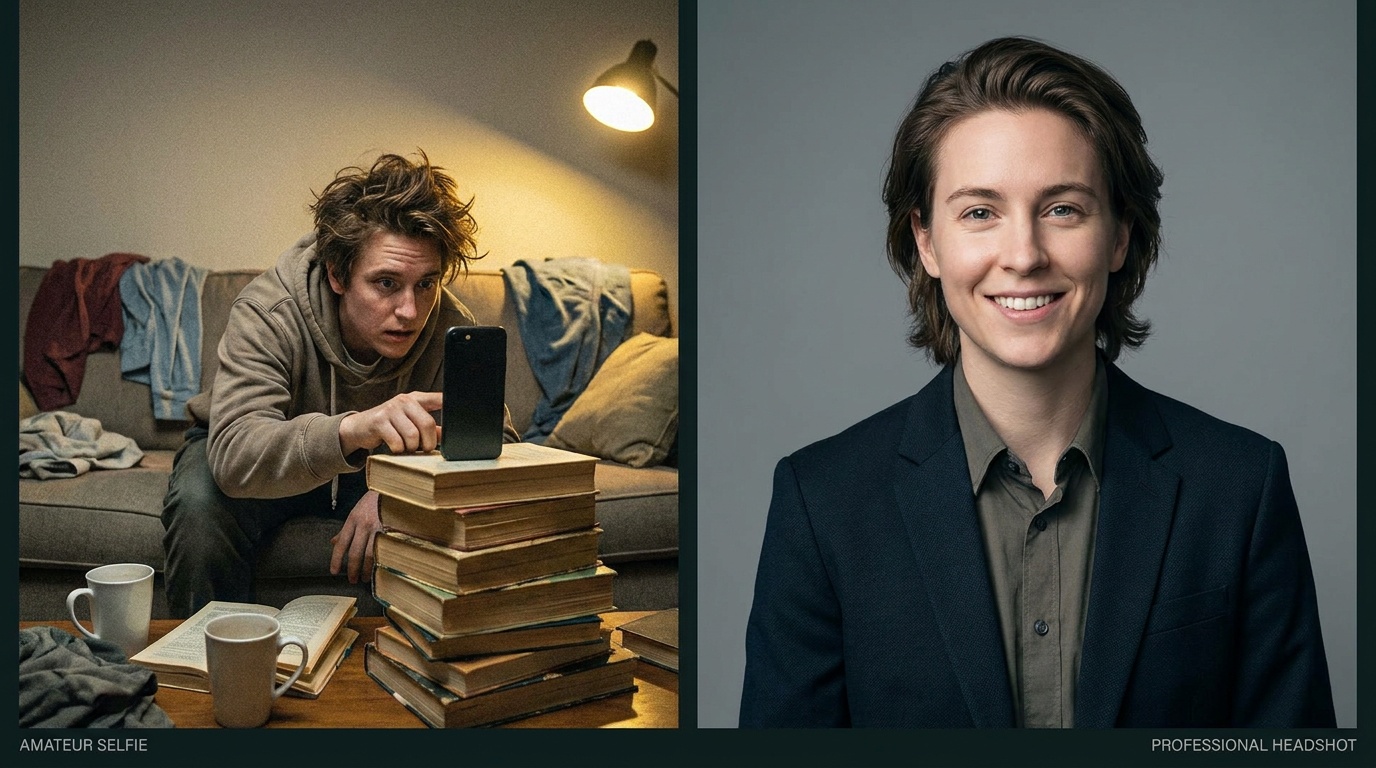
The pressure for a perfect headshot is immense, but so are the costs of a professional photographer. This leaves many emerging talents wondering if using ai headshots for actors on a budget is a savvy shortcut or a critical misstep. As a portrait photographer who has worked with countless actors, I can tell you the answer isn't a simple yes or no—it's about strategy.
Your Headshot Is Your First Audition
Before we even talk about AI, let's be clear on the stakes. Your headshot isn’t just a nice picture; it's the single most important marketing tool you have. It’s what a casting director sees before they ever see you read a line. It’s your digital handshake, your calling card, and your first performance all rolled into one.
A great headshot does two things perfectly. First, it looks exactly like you on a good day. When you walk into the audition room, there should be zero surprise. Second, it captures a spark of your essence and hints at your casting type. Are you the quirky best friend, the intense lead, the warm parent? A good photographer coaxes that out of you; a great headshot captures it.
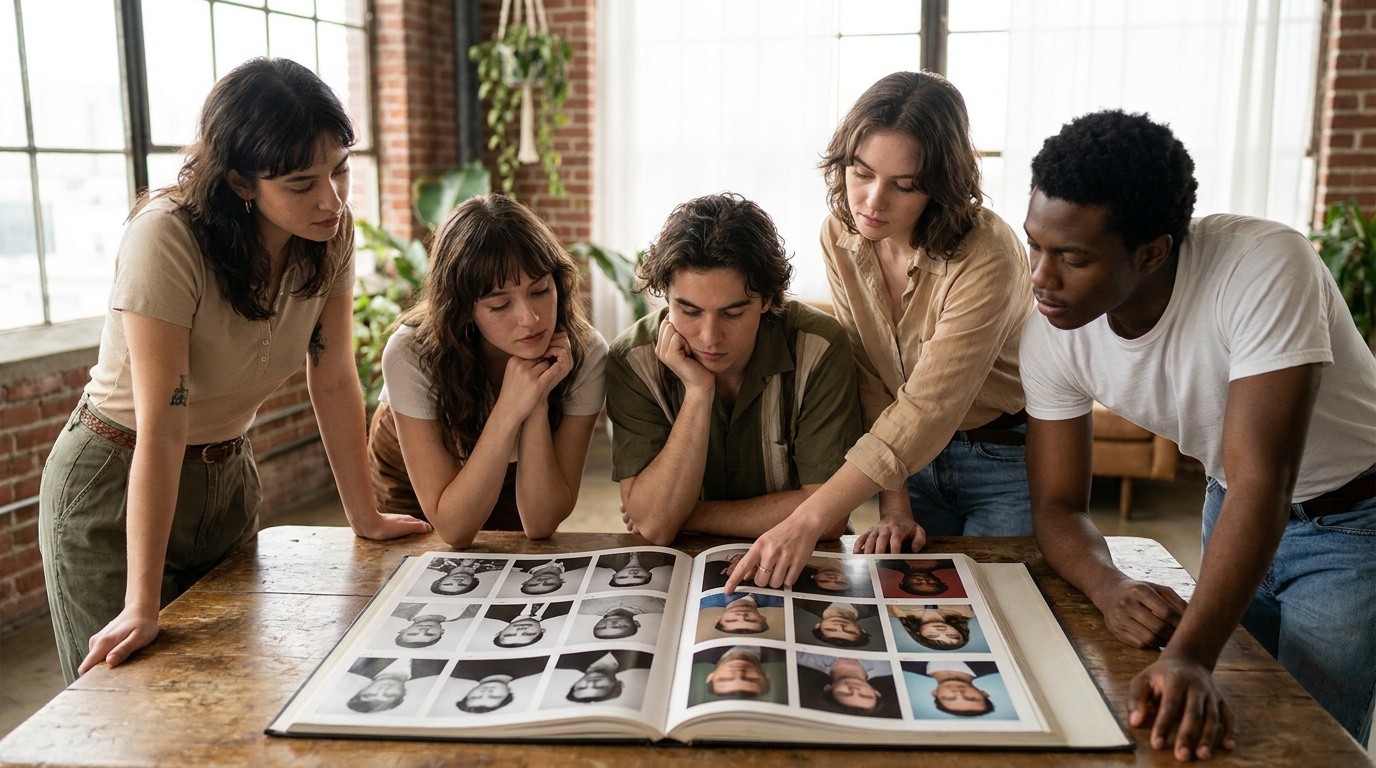
Casting directors sift through thousands of thumbnails. They make snap judgments in seconds. Your photo needs to be professional, authentic, and compelling enough to make them click. Anything less, and you're just another face in the crowd.
Professional vs. AI Headshots: A Reality Check
When you're starting out, every dollar counts. The thought of spending $500, $800, or even more on photos can be daunting. This is where AI enters the picture, promising a fast, cheap alternative. Let's break down the real-world differences.
Professional Headshot Session:
- Cost: $300 – $1,500+. This usually includes the photographer's time and talent, a set number of looks (outfit changes), and a few professionally retouched final images.
- Time: The shoot itself can last 2–4 hours, but you also have to account for booking, consultation, and waiting 1–3 weeks for your final edited photos.
- The Big Pro: You get an expert's guidance. A good headshot photographer knows the industry. They direct your poses, adjust the lighting to flatter you, and help you convey the right expressions. The result is authentic.
- The Big Con: The cost. It's a significant upfront investment, especially when you're not booking gigs regularly.
AI-Generated Headshots:
- Cost: $20 – $100. For a flat fee, you get dozens or even hundreds of images in various styles.
- Time: The process is incredibly fast. You upload your selfies and often get the results within a few hours.
- The Big Pro: It's undeniably affordable and quick. You can generate a wide variety of looks to see what might work for you.
- The Big Con: The risk of it not looking like you. AI can create a technically flawless image that lacks your unique humanity or, worse, alters your features in a way that misrepresents you.
Getting the Best AI Headshots for Actors on a Budget: A Photographer's Guide
If you decide that AI is the right first step for you, don't just upload a few random selfies from your camera roll and hope for the best. To get usable results, you need to think like a photographer. The AI is a powerful tool, but its output is a direct reflection of your input. Garbage in, garbage out.
Step 1: Feed the AI High-Quality Source Photos
This is the most critical step. The AI learns your face from the images you provide. Give it poor-quality data, and you'll get poor-quality results.
- Lighting is Everything: Do not use photos taken under harsh overhead kitchen lights or in direct, blazing sunlight. This creates unflattering shadows. The best light is soft and even. Stand facing a large window on an overcast day. This creates a beautiful, gentle light that minimizes harsh lines.
- Use the Right Camera: Your phone's front-facing selfie camera is lower quality than its main back camera. Prop your phone up on a stack of books, use a small tripod, and set a timer. Or, better yet, have a friend take the photos for you. This will make a massive difference in image clarity and detail.
- Background and Clothing: Stand in front of a plain, neutral-colored wall (grey, beige, or white is ideal). Avoid busy backgrounds with distracting objects. Wear a simple, solid-colored shirt with a clean neckline. Avoid logos, busy patterns, and turtlenecks that hide your jawline.
Step 2: Curate Your Uploads for Accuracy
Don't just upload 15 photos of the same smiling face from the same angle. You need to give the AI a complete, 360-degree understanding of your facial structure.
- Variety of Angles: Include photos looking straight at the camera, with a slight three-quarter turn to the left, and a slight turn to the right. Include a few where your chin is slightly up and slightly down.
- Range of Expressions: This is key for an actor. Take photos with a genuine, gentle smile (not a huge grin). Take some with a more serious, confident, or pensive look. Think about a specific character or emotion, but keep it subtle. The goal is a neutral, connectable expression.
- Consistency: Make sure all the photos you upload are recent and reflect how you look right now. If you've grown a beard, changed your hair color, or lost weight, don't use older photos. This will confuse the AI and produce inaccurate results.
Step 3: Select the Right AI Styles
Once you've uploaded your photos, you'll be presented with a menu of styles. This is where many people go wrong. For an actor's headshot, you must avoid anything overly artistic or dramatic.
Your target styles should have names like "Studio Portrait," "Corporate Headshot," "Black & White," or "Soft Light." These are designed to mimic the clean, professional lighting you'd get in a real studio. Platforms like Portretto excel at turning a simple selfie into a studio-quality portrait, which is exactly the aesthetic you should be aiming for.
Stay away from fantasy, cinematic, or vintage filter styles. They might look cool, but they are completely useless for a casting profile and will make you look like an amateur.
Upload a photo, pick a look and get your portrait in a minute. Your face stays yours.
Try itThe Red Flags: When AI Headshots Backfire
Even with perfect input, AI can get it wrong. As an actor, you need to be ruthless in your photo selection. A bad AI headshot is worse than no headshot at all because it can actively damage your credibility.
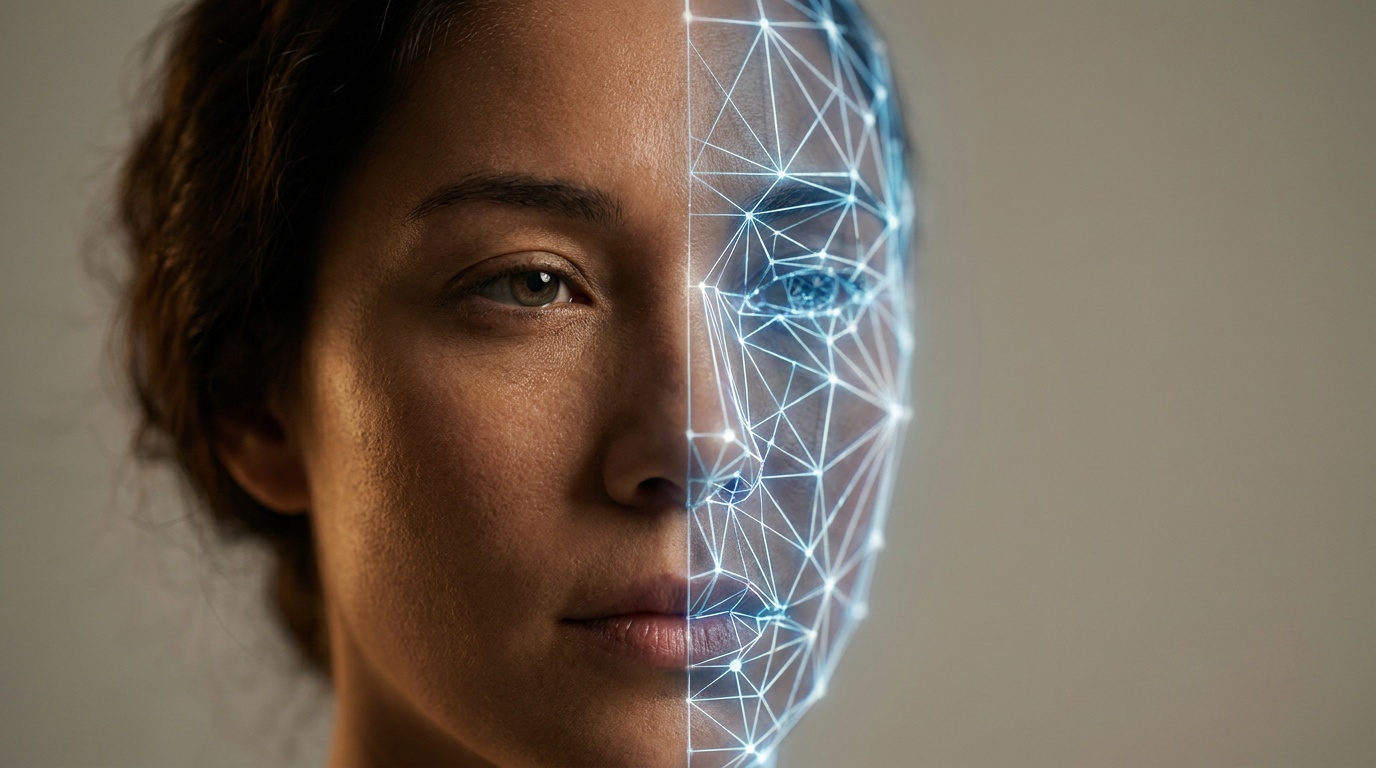
- The Uncanny Valley: This is the creepy feeling you get when something looks almost human, but isn't. Casting directors are experts at spotting this. Look for weirdly symmetrical features, glassy or misaligned eyes, unnatural skin texture, and bizarre artifacts in the hair or background. If anything feels slightly "off," discard the image immediately.
- The "That's Not You" Problem: This is the cardinal sin of headshots. The AI might slim your jawline, change your nose, or remove a characteristic mole. You must be brutally honest with yourself. Does this photo look exactly like me, or does it look like an idealized, airbrushed cousin of me? If you show up to an audition looking different from your photo, you've broken trust before you've even said your name.
- Lack of Genuine Emotion: A professional photographer captures a moment of real connection through the lens. AI composites data. The result can be a technically perfect face with dead eyes. Your headshot needs to have life and personality. It should make someone feel like they know a little something about you.
A Strategic Approach: Using AI as a Tool, Not a Crutch
So, what's the verdict? I believe AI headshots for actors on a budget can be a useful tool, but they are not a permanent replacement for the real thing. It’s about using them strategically as part of your career journey.
- As a Starter Headshot: If you are brand new and your only other option is a poorly lit selfie from your car, a well-chosen AI headshot is the better choice. Use it to get your profiles on Backstage, Actors Access, and Casting Networks up and running. But make a plan to replace it with professional shots within 6-12 months.
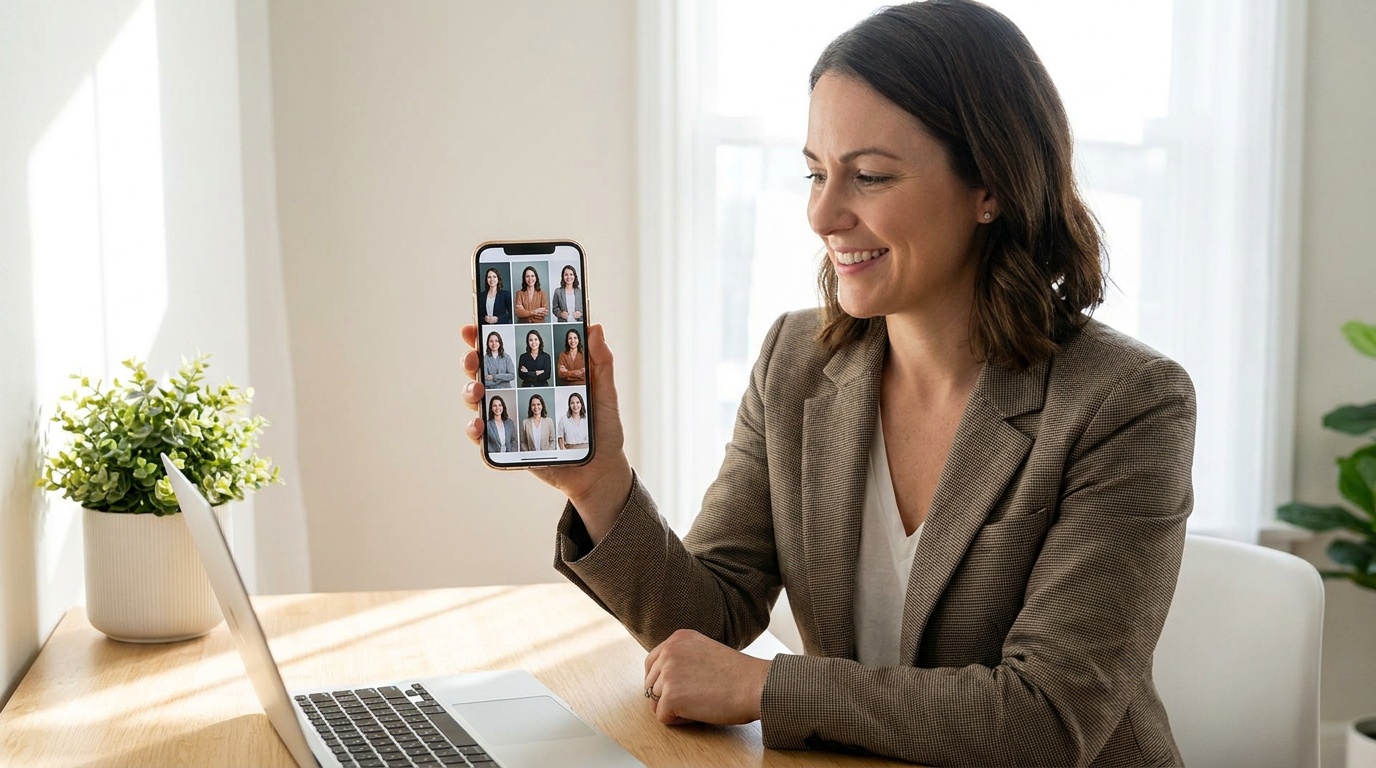
- For Exploring Your Type: This is a brilliant, low-cost use for AI. Generate images of yourself in different styles. Try a corporate look with a blazer, a more rugged look with a denim jacket, or different hairstyles and colors. This can help you and your agent (or acting coach) pinpoint your casting type before you invest hundreds in a professional session.
- For Social Media and Branding: AI-generated portraits are perfect for your LinkedIn profile, personal website, or Instagram. The standards for these platforms are different from casting databases. It's a great way to maintain a professional and active online presence without using your primary, money-making headshots.
Ultimately, your headshot is an investment, not an expense. AI can be a smart, budget-friendly bridge to get you started, but don't let it become a long-term crutch. Use it to get in the game, start saving from your day job or first few gigs, and then hire a professional photographer who can capture the authentic, unique, and castable person you are. That's the photo that will get you in the door.
FAQ
Can casting directors tell if a headshot is AI?
Often, yes. Experienced casting directors and agents are very visually attuned and can spot the subtle signs of AI, such as overly perfect skin, unnatural symmetry, or a lack of genuine expression in the eyes. An image that looks too flawless can be as much of a red flag as a bad selfie.
Are AI headshots good enough for Backstage or Actors Access?
As a temporary placeholder when you're just starting, a high-quality AI headshot is better than a non-professional photo. However, your goal should be to replace it with a professional one as soon as possible to compete seriously.
How much do AI headshots for actors cost?
Most AI headshot generator services charge between $20 and $100 for a package of images. This is a fraction of the cost of a traditional headshot photographer, which typically starts at several hundred dollars.
What's the biggest mistake actors make with AI headshots?
The single biggest mistake is choosing an image that doesn't look exactly like them in person. If an AI slims your face or removes a unique feature, and you use that photo, you create a credibility gap the moment you walk into an audition room.
Should I use AI to retouch my existing headshots?
Using AI for minor retouching like removing a stray hair can be acceptable, but be very cautious. Aggressive AI retouching can quickly make a photo look fake and plastic. For your primary headshots, it's always best to have them professionally retouched by the original photographer.