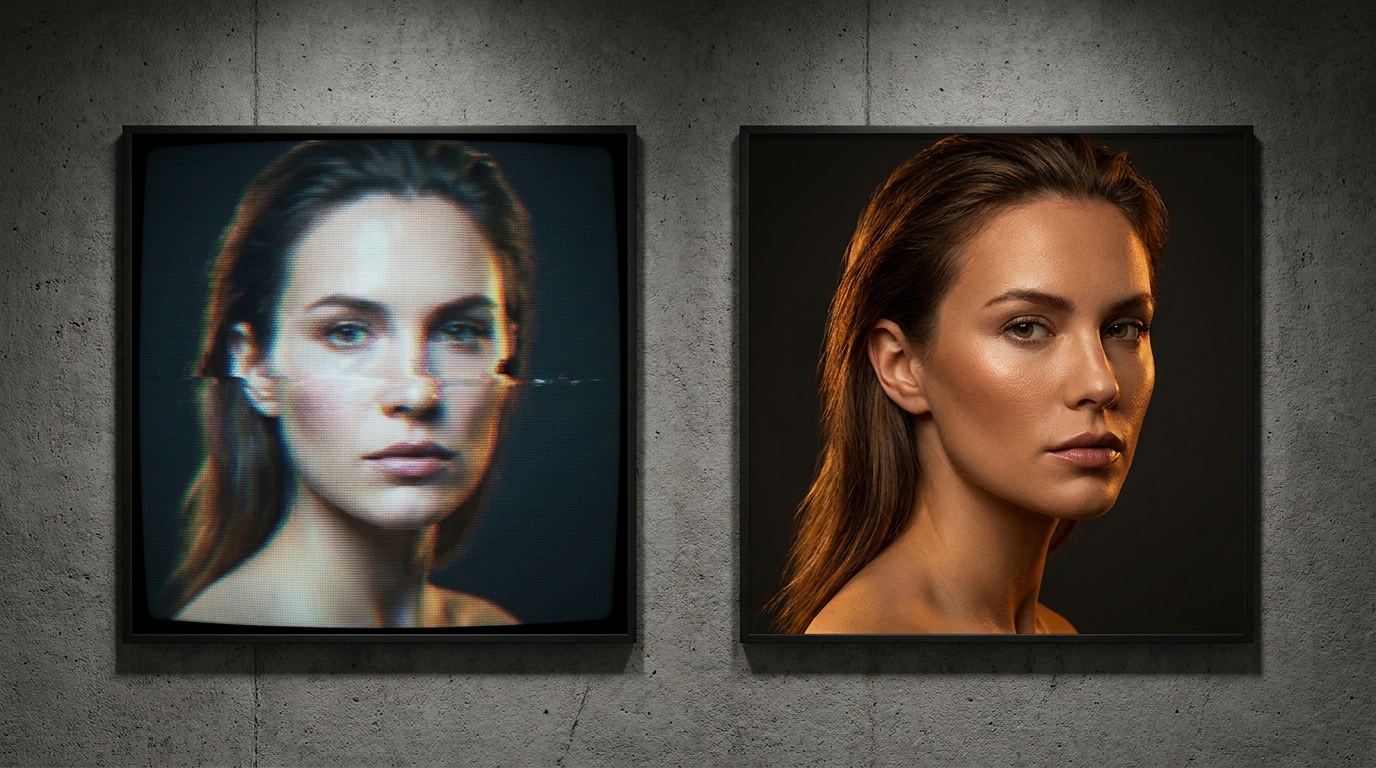
The Realism Test: Finding the Best AI Headshot Generator
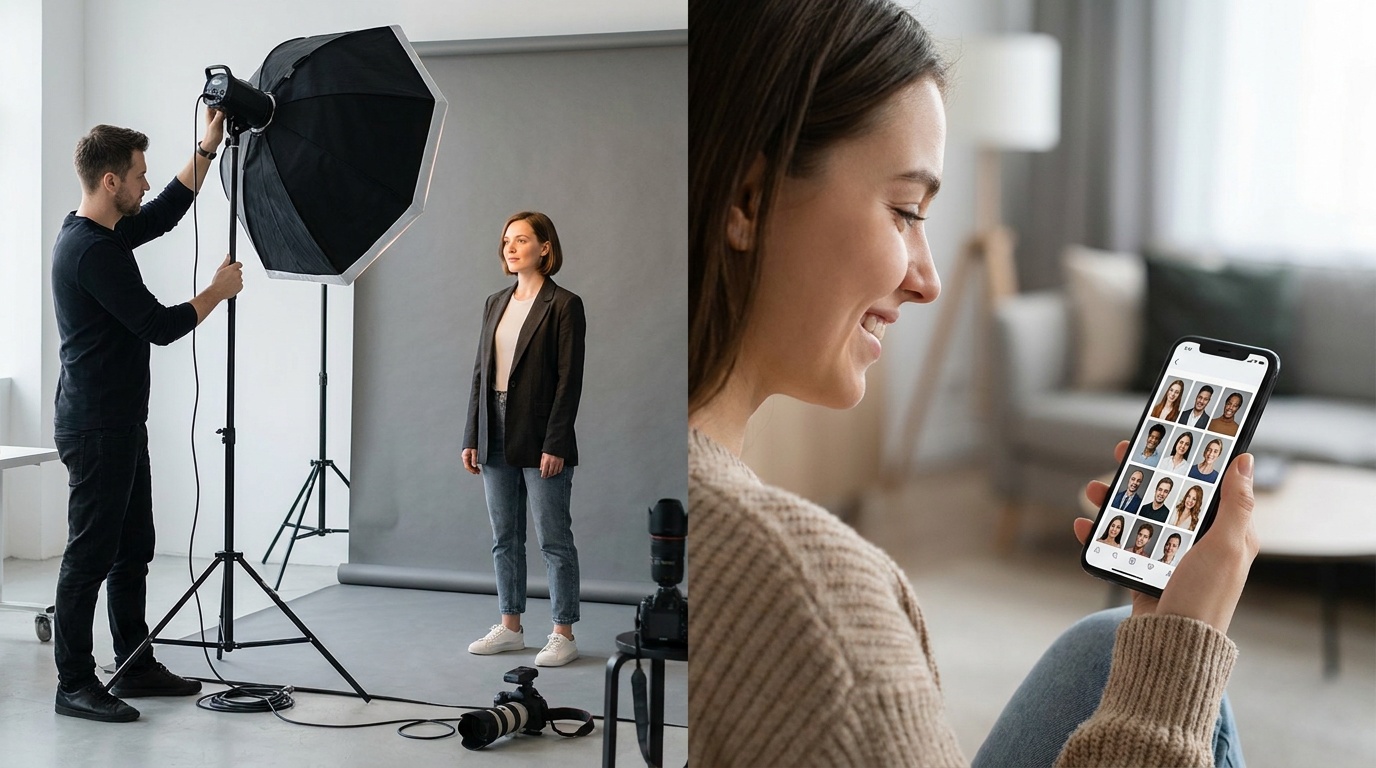
As a portrait photographer, I've watched the rise of AI with a mix of curiosity and professional skepticism. The promise of studio-quality headshots from a handful of selfies is tempting, but the results often fall into the uncanny valley. To cut through the hype, we put several platforms to the test to find the best AI headshot generator for realistic results—one that creates images you’d actually be proud to use on your LinkedIn profile.
What "Realistic" Actually Means in an AI Headshot
Before we dive into the comparisons, it's crucial to define what “photorealistic” means from a photographer’s standpoint. It’s not just about creating a sharp image; it's about capturing the subtleties that make a person look like themselves. When I evaluate a portrait, AI-generated or not, I look at four key elements.
1. Facial Identity and Likeness
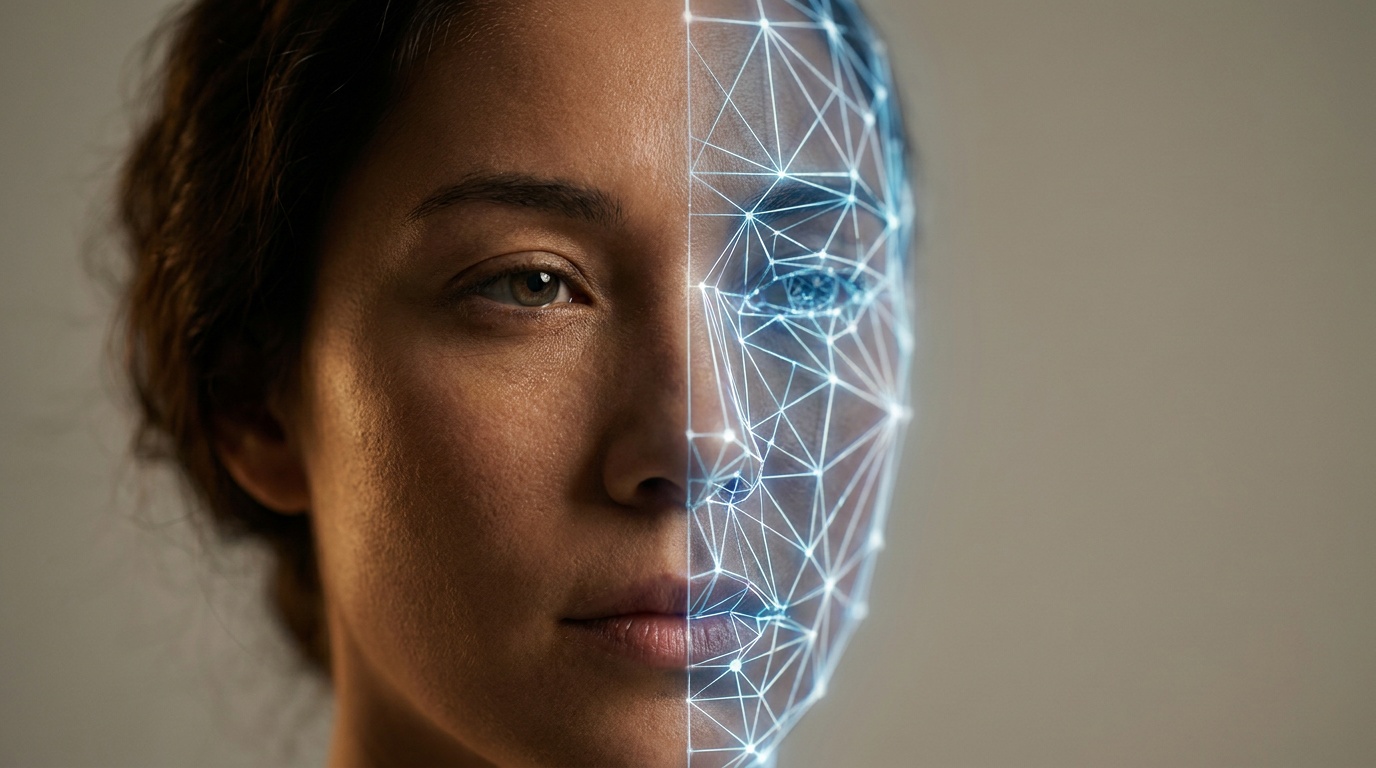
This is the most important test. Does the generated headshot actually look like you? A good AI will preserve your unique facial structure—the distance between your eyes, the shape of your nose, the curve of your jawline. A bad AI will create a generic, attractive-but-unfamiliar face that looks like a distant cousin, not you.
2. Skin Texture and Retouching
Real skin has texture. It has pores, faint lines, and subtle imperfections. Overly aggressive AI processing often creates an unnatural, plastic-like smoothness that screams “fake.” A great AI headshot will have skin that looks clean and professionally retouched, but not completely devoid of texture. It should look like skin, not a porcelain doll.
3. Lighting, Shadows, and Depth
In photography, light is everything. It creates shape, depth, and mood. A realistic AI portrait must have believable lighting physics. The key light (main light source), fill light (to soften shadows), and rim light (to separate you from the background) should all make sense. Look for logical shadows on the face and body, and natural catchlights—the reflection of the light source—in the eyes. Flat, illogical lighting is a dead giveaway of a cheap AI.
4. The Eyes Have It
They say the eyes are the window to the soul, and it's where AI often stumbles. “Dead eyes” are a common problem, where the gaze is vacant and lacks expression. A realistic AI headshot will have eyes that are sharp, correctly colored, and convey a subtle expression. They should have those natural catchlights I mentioned, which bring them to life.
Finding the Best AI Headshot Generator for Photorealistic Quality
With our criteria established, we tested five popular AI headshot generators. The process for most is similar: you pay a fee, upload 10-20 photos of yourself, and wait a few hours for the AI to train on your likeness and generate a gallery of images. While quality varied wildly, a few key lessons emerged for anyone seeking truly photorealistic AI headshots.
Checklist: What to Look for Before You Buy
Before you enter your credit card details, do a bit of reconnaissance. The marketing pages all promise the world, but the proof is in the user-generated examples.
- Look for Example Galleries: Does the service show a wide range of results from actual customers? Be wary if they only show a few perfectly curated examples that all look like models.
- Read Reviews on Third-Party Sites: Check Reddit, Trustpilot, or tech blogs for unfiltered reviews. Look for comments specifically about realism and whether people felt the results looked like them.
- Understand the Variety: Does the generator offer different styles (e.g., corporate, casual, creative)? The best services provide a range of lighting setups and outfits, giving you more usable options.
- Check the Resolution: Ensure the final images are delivered in high resolution (at least 2048x2048 pixels) so they are usable for printing or large-format digital displays.
Analyzing the Output: Red Flags to Watch For
Once you get your results, it's time to be your own photo editor. Go through the images with a critical eye. It's normal for a percentage of AI photos to have flaws, but a good service should provide a solid number of keepers.
Common AI Flaws:
- The Uncanny Valley: The image looks almost human, but something is slightly off, making it unsettling. This could be an unnatural smile or a weirdly symmetrical face.
- Mangled Hands: Hands are notoriously difficult for AI. If a pose includes hands, inspect them closely for extra fingers, strange proportions, or unnatural bending.
- Inconsistent Features: Does your mole appear on the left cheek in one photo and the right in another? Do your eyes change color between shots? These are signs the AI isn't holding onto your likeness consistently.
- Weird Artifacts: Look for distorted backgrounds, nonsensical text on clothing, or accessories (like earrings or glasses) that merge with the skin or hair. A blurry or simple background often yields better results because there's less for the AI to get wrong.
Your Input Matters: A Photographer's Guide to Getting Realistic Results
The most significant factor in the quality of your AI headshots is the quality of the photos you upload. This is the Garbage In, Garbage Out (GIGO) principle. To get the best ai headshot generator for realistic results, you need to provide it with high-quality data to learn from.
Selecting the Right Photos to Upload
Think of this as a mini photoshoot with your phone. You need to give the AI a 360-degree understanding of your face from different angles, in different lighting, and with various expressions.
Your 10-20 Upload Photos Should Include:
- Variety of Angles: At least 3-4 photos from straight on, 3-4 from a three-quarter view (both left and right), and 2-3 profile shots. This helps the AI understand your facial structure.
- Different Expressions: Include a genuine smile (with teeth), a closed-mouth smile, a neutral/serious expression, and maybe a thoughtful look. This gives the AI a range of expressions to work with.
- Clear, Well-Lit Shots: Use soft, diffused light. Standing facing a window during the day is perfect. Avoid harsh overhead lighting that creates deep shadows under your eyes, or direct, bright sunlight.
- Simple Backgrounds: A plain wall is better than a busy, cluttered background. This helps the AI focus on your face.
- Focus on the Face: Upload a mix of close-ups (head and shoulders) and medium shots (from the waist up). Avoid full-body shots where your face is too small.
- Recent Photos: Use photos from the last year or two that accurately represent how you look now.
Common Mistakes to Avoid When Submitting Photos
- Don't use the same expression in every photo. Variety is key.
- No sunglasses, hats, or masks. The AI needs to see your full face, hairline, and eyes.
- Avoid heavy makeup or filters. Submit photos that look like you on a normal day. The AI will add its own styling.
- No group photos. Only you should be in the frame.
- Don't upload blurry, low-resolution, or heavily compressed photos. The AI can't work with data that isn't there.
- Avoid dramatic, artistic lighting. While it might look cool, it hides facial features and can confuse the training process. Stick to simple, even lighting.
Upload a photo, pick a look and get your portrait in a minute. Your face stays yours.
Try itBeyond the Standard Headshot: Exploring AI Portrait Styles
Many generators focus solely on producing corporate-style headshots against grey or white backgrounds. While useful, this is just one piece of the puzzle. The technology is capable of so much more, mimicking different photographic styles and lighting conditions.
Some platforms are now offering more creative packs. Instead of just a business suit, you can see yourself in a casual outdoor setting, a dramatic black-and-white portrait, or even a stylized magazine cover. These creative options are a great way to get more value from a single generation process.
For those who don't need a hundred different options but want one or two perfect portraits, simpler tools are emerging. For instance, if you have a single great selfie you love, a service like Portretto can transform it into a specific studio style, like a “Golden Hour” portrait or a classic black and white shot, focusing on perfecting one image while meticulously preserving your face. This is a different approach—image enhancement rather than generative training—but it's perfect for a quick, high-quality result.
The Verdict: Is an AI Headshot Generator Right for You?
After extensive testing, it's clear that AI headshot generators are a powerful and cost-effective tool, but they are not a perfect replacement for a professional photographer—at least not yet. The best results require high-quality input photos and a critical eye to filter out the flawed outputs.
A realistic AI headshot generator is an excellent choice if you need a variety of professional-looking images quickly and affordably for your social media profiles, internal company directory, or personal website. The technology is at its best when creating standard corporate headshots.
However, if you need photos for a major branding campaign, a book cover, or require a very specific creative vision with a team, hiring a human photographer is still the superior choice. A photographer can interact with you, direct your expression, and tailor the lighting and composition in real-time—a level of collaborative creativity AI has yet to achieve.
Ultimately, finding the best ai headshot generator for realistic results depends as much on your input and expectations as it does on the technology itself. Follow the guidelines for submitting your photos, choose a service with a proven track record of realism, and you'll be surprised at how convincing your new digital likeness can be.
FAQ
Do AI headshots look realistic?
They can, but the realism depends heavily on the quality of the AI generator and the photos you upload. The best services produce photorealistic results by preserving your unique facial features, creating natural skin texture, and using believable lighting. However, you should still expect to discard some images that fall into the 'uncanny valley'.
How can I make my AI headshot look more real?
The best way to get realistic AI headshots is to upload high-quality source images. Use 10-20 recent, clear photos with a variety of facial expressions, angles, and good, simple lighting. Avoid sunglasses, hats, heavy filters, and busy backgrounds.
Are AI headshot generators safe to use?
Reputable AI headshot generators have privacy policies stating how they use and store your photos. Most services delete your uploaded photos and the trained AI model within a short period (e.g., 7-30 days). Always review the privacy policy of any service before uploading your images.
How many photos do I need for an AI headshot generator?
Most AI headshot generators require between 10 and 20 photos to train the AI model effectively. It's important to provide a diverse set, including close-ups, medium shots, and various facial expressions to give the AI a comprehensive understanding of your likeness.
Can AI create headshots with different outfits and backgrounds?
Yes, this is one of the main advantages of AI headshot generators. The AI can place your likeness into various scenarios, generating images of you in different professional outfits (like suits or blazers) and against various backgrounds (like office settings or plain studio backdrops).