AI Headshot with Different Hairstyles: An Honest Guide
Have you ever wondered if you could rock a sharp bob for your LinkedIn profile without actually cutting your hair? The idea of getting an AI headshot with different hairstyles is incredibly appealing, promising a risk-free way to reinvent your professional look. As a portrait photographer who has spent years mastering light and shadow to flatter every feature, I've watched the rise of AI with both curiosity and a critical eye. The short answer is yes, you can use AI to try on new hairstyles for your headshot—but the results can range from stunningly realistic to laughably fake. This guide will walk you through the honest truth of how it works, how to get the best results, and whether it's the right choice for you.
How AI Actually Changes Your Hairstyle in a Headshot
When you ask an AI to change your hairstyle, it’s not just pasting a digital wig onto your photo. The process is far more complex and fascinating. Most modern AI image generators use a technology called a diffusion model. In simple terms, the AI has been trained on millions of images of people with different haircuts, colors, and textures.
When you upload your photo and provide a prompt like "short pixie cut," the AI does two things. First, it analyzes your photo to understand your facial structure, skin tone, and the lighting in the original shot. Second, it deconstructs your image into a field of digital noise and then rebuilds it from scratch, blending its knowledge of "short pixie cuts" with the unique data from your face.
This is why the quality of your original photo is so critical. The AI is not an editor; it's a creator. It uses your selfie as a detailed blueprint to construct a brand-new portrait. If the blueprint is blurry, poorly lit, or cluttered, the final construction will be unstable and unrealistic.
The Good, The Bad, and The Unnatural: An Honest Look
Before you jump in, it's essential to have realistic expectations. AI is a powerful tool, but it has both brilliant capabilities and noticeable limitations, especially when it comes to something as organic and nuanced as hair.
The Benefits: More Than Just a New 'Do
- Experimentation Without Commitment: This is the biggest draw. You can see how you'd look with a completely different hair color or a drastic cut before you ever set foot in a salon. It's perfect for satisfying your curiosity without consequence.
- Aligning with Your Personal Brand: Perhaps you're shifting from a creative field to a corporate one and want to see if a more structured hairstyle fits your new image. AI allows you to test-drive different professional personas.
- Speed and Cost-Effectiveness: A traditional photoshoot with a hairstylist is a significant investment of time and money. AI can generate dozens of options for a fraction of the cost in just a few minutes or hours.
The Pitfalls: Where AI Can Go Wrong
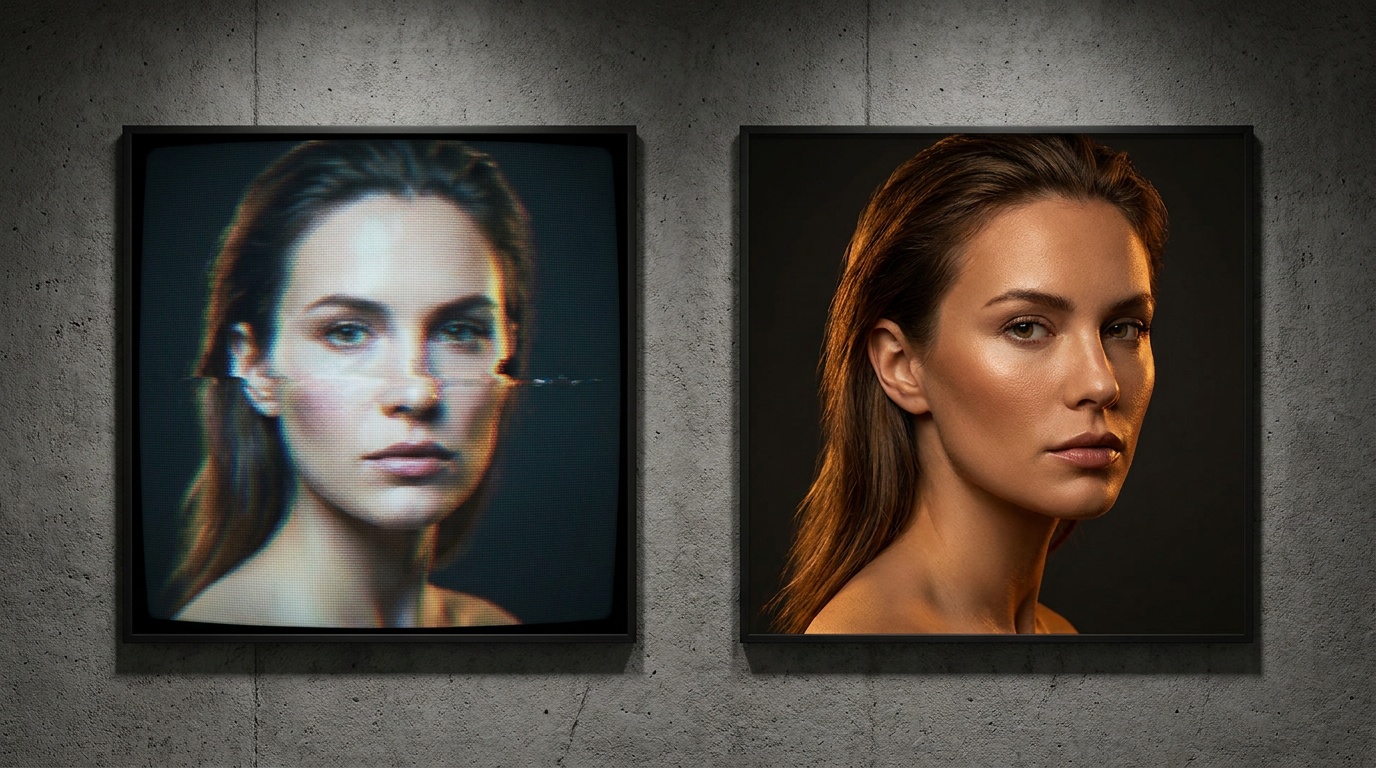
- The Uncanny Valley Hairline: The single biggest giveaway of an AI-generated hairstyle is the hairline. AI often struggles to create a soft, natural transition between the forehead and the hair, sometimes resulting in a hard, helmet-like edge.
- Plastic Texture: Natural hair has dimension, flyaways, and subtle variations in color. AI can sometimes over-smooth hair, giving it a synthetic, doll-like sheen that looks unnatural under scrutiny.
- Lighting Mismatches: The AI might generate a beautiful hairstyle, but the highlights and shadows on the hair don't quite match the lighting on your face. This subtle disconnect can make the whole image feel "off."
- Loss of Identity: In its effort to create a new hairstyle, the AI can sometimes subtly alter your facial shape, jawline, or forehead, making you look like a cousin of yourself rather than you. For a headshot, which must be an authentic representation, this is a serious drawback.
Your Step-by-Step Guide to an AI Headshot with Different Hairstyles
Getting a believable result is a process of careful preparation and curation. You can't just upload any old selfie and expect studio-quality results. Follow these steps, learned from years of professional photography, to maximize your chances of success.
Step 1: Start with the Perfect Source Photo
This is the most important step. Garbage in, garbage out. The AI needs clean, clear information about your face to build upon.
- Lighting is Everything: Stand facing a large window on an overcast day. This provides soft, even light that minimizes harsh shadows. Avoid direct sunlight, which creates unflattering highlights, and overhead kitchen lights, which cause deep shadows under your eyes.
- The Background Matters: A plain, neutral-colored wall is your best friend. A busy background with plants, art, or furniture can confuse the AI.
- Angle and Expression: Hold your phone at eye level—not above or below. Look directly into the lens. A gentle, natural smile or a pleasant neutral expression works best. Keep your shoulders relaxed and down.
- Control Your Hair: For the best results when trying a new style, you need to give the AI a clean canvas. Tie long hair back in a low, tight ponytail or bun. If you have short hair, slick it back with water or gel. The goal is to show the AI the true shape of your head and face without your current hair interfering.
- Image Quality: Use your phone's rear camera, not the selfie camera, as it's usually higher quality. Make sure the image is sharp and in focus. No blurry photos!
Step 2: Choosing Your Tool and Writing a Clear Prompt
Different AI tools are built for different purposes. Some are for fun avatars, while others focus on professional-grade portraits. For a headshot, you want a tool that prioritizes realism. Services like Portretto are trained specifically on creating photorealistic, studio-quality portraits that preserve your identity, providing a strong, professional base image.
Once you have your tool, your prompt is your command. Be specific.
A simple formula for a good hair prompt:
[Length] + [Texture/Style] + [Color]
Good Prompt Examples:
- "Short, wavy blonde bob"
- "Long, straight black hair with bangs"
- "Medium-length, curly auburn hair"
- "Man with a slicked-back, salt-and-pepper hairstyle"
Bad Prompt Examples:
- "Fun hairstyle" (Too vague)
- "Make my hair better" (Not descriptive)
- "Give me Beyoncé's hair" (AI models typically don't know specific celebrity styles from specific eras)
Step 3: Reviewing and Curating the Results
You will not get a perfect image on the first try. The key is to generate a large batch of images (20, 40, or even 100) and then carefully select the best 1-2%. Be a ruthless editor and use this checklist:
- The Hairline Test: Zoom in. Does the hair blend naturally into the skin, or is there a hard, artificial line?
- The Texture Test: Does the hair have some believable dimension and strand definition, or does it look like a solid block of color?
- The Lighting Test: Do the highlights on the new hair match the highlights on your forehead and cheeks?
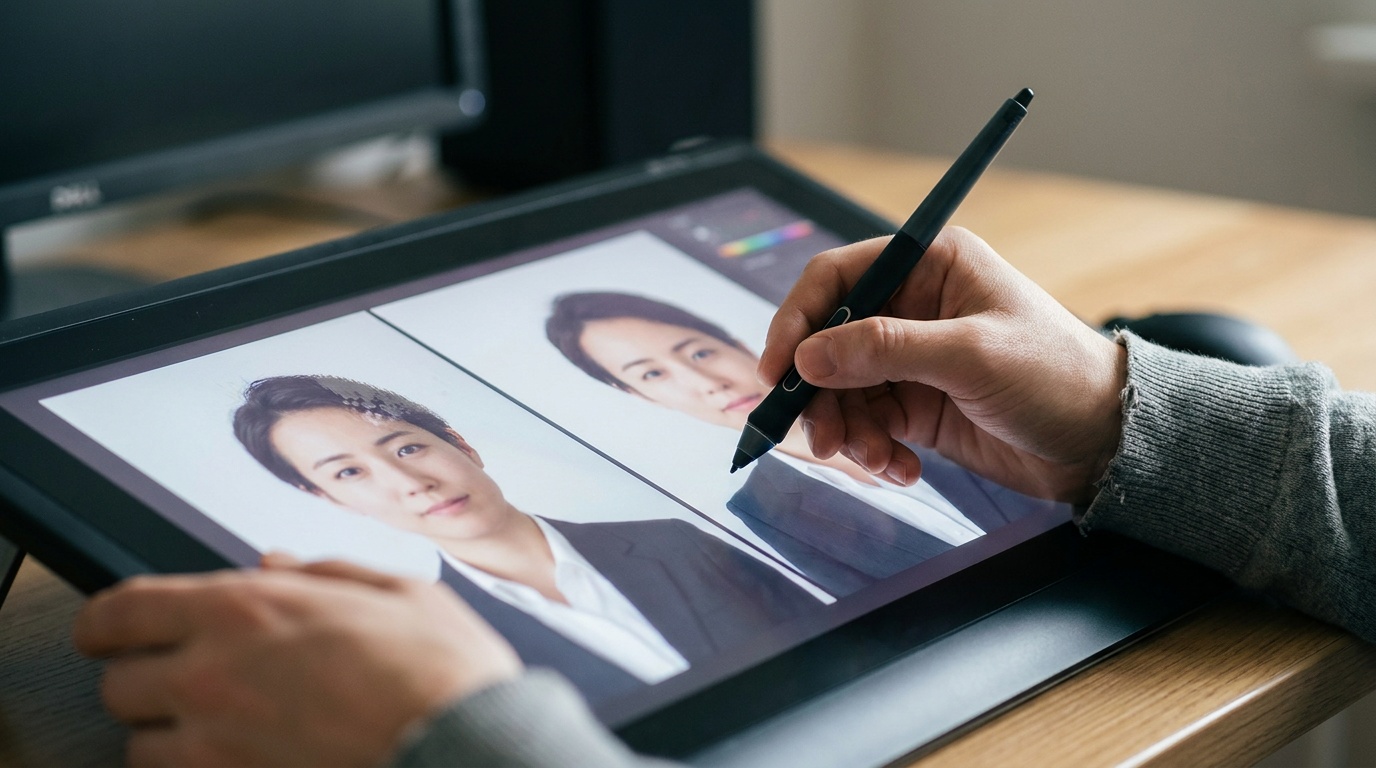
- The Artifact Check: Look for strange digital glitches—a stray pixel, a disembodied strand of hair, or a patch where your old hair is peeking through.
- The You Test: Does it still look like you? Send the best options to a friend or colleague you trust and ask, "Does this look like me?"
Upload a photo, pick a look and get your portrait in a minute. Your face stays yours.
Try it3 Common Mistakes When Trying AI Hairstyles (And How to Fix Them)
- Using a Poor-Quality Source Photo. This is the number one reason for bad results. A dimly lit selfie taken from a low angle with a cluttered background is a recipe for disaster. Fix: Follow the steps in the guide above to shoot a clean, well-lit source photo specifically for the AI.
- Writing Vague or Overly Complex Prompts. Prompts like "stylish hair" are useless, while prompts like "An asymmetrical, deconstructed bob with platinum highlights and a subtle lavender undertone, inspired by 1990s grunge" will likely confuse the AI. Fix: Stick to clear, descriptive language using the [Length] + [Style] + [Color] formula.
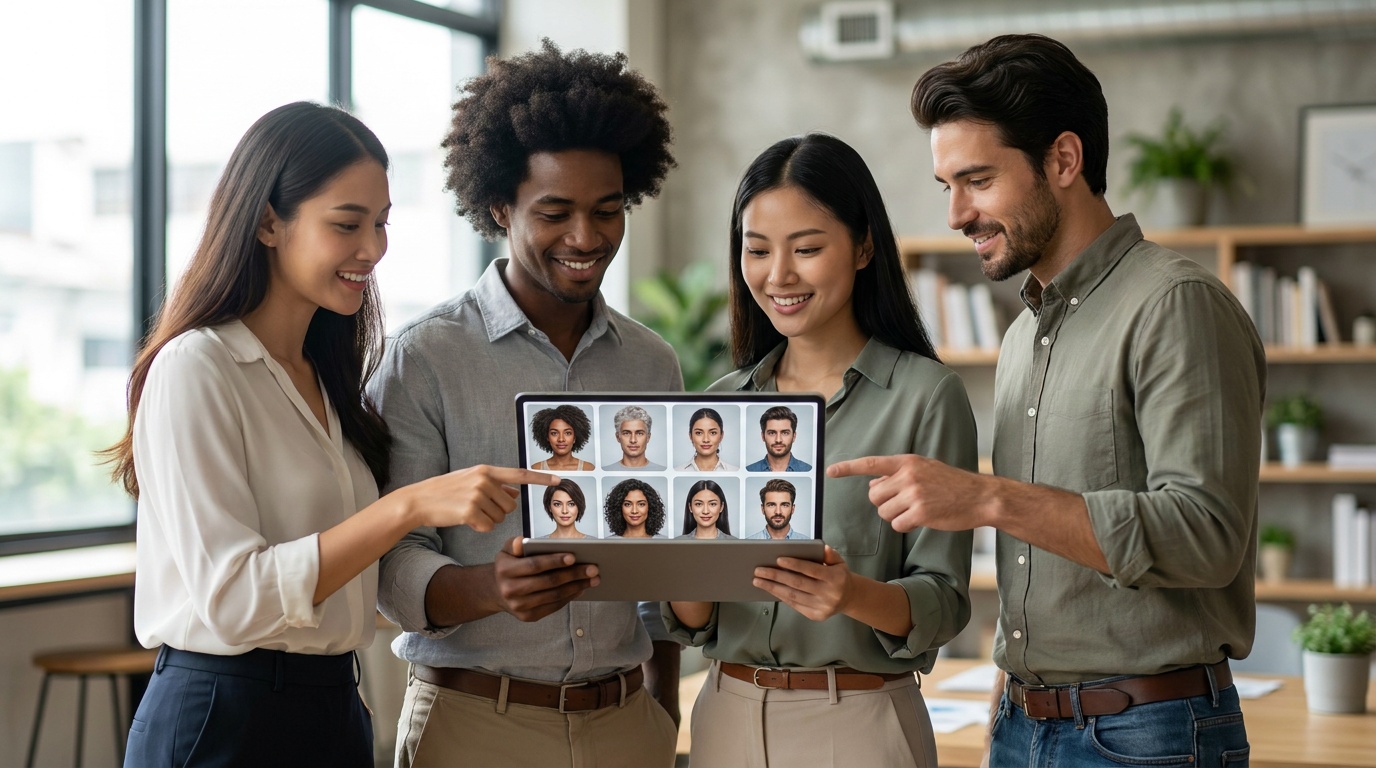
- Expecting a One-Click Magic Button. Many people generate a few images, feel disappointed, and give up. Getting a great AI headshot with different hairstyles is a numbers game. Fix: Treat it as a process of curation. Generate a large volume of images and be prepared that 95% of them won't be usable. Your job is to find the gems in the rough.
The Verdict: Is an AI Hairstyle Change Right for Your Professional Headshot?
So, should you use AI to change your hairstyle for your official headshot? The answer depends on your goal.
AI hairstyle changes are excellent for:
- Exploration and inspiration. Use the results as a mood board to take to your actual hairstylist.
- Low-stakes social media content. Trying a fun look for a less formal platform like Instagram or a personal blog.
- Visualizing a future look. Seeing if a potential change aligns with your brand before you commit.
You should use AI with caution for:
- Your primary LinkedIn profile picture. If the image doesn't look completely authentic, it can create a slight sense of distrust. People want to know who they're connecting with.
- Official company bio pages. These require a high level of professionalism and authenticity that AI can sometimes miss.
My professional recommendation is to use AI as a powerful creative tool, not a final solution for your primary headshot. A better approach is to use an AI headshot generator like Portretto to create a stunning, studio-quality portrait with your current hairstyle. This ensures the image is 100% you, just professionally lit and composed. Then, you can use that high-quality image as a perfect base for experimenting with different AI hairstyle apps for fun or inspiration. This way, you get the best of both worlds: an authentic, professional headshot and a playground for risk-free experimentation.
FAQ
Can AI change my hair color in a headshot?
Yes, AI can effectively change your hair color. For the best results, use specific prompts like "deep auburn hair" or "ash blonde hair" instead of just "red hair." Pay close attention to whether the AI creates natural-looking roots and highlights that match the lighting of your photo.
Will an AI-generated hairstyle look realistic?
It can, but realism depends heavily on the quality of your uploaded photo, the sophistication of the AI tool, and the clarity of your prompt. The most common signs of a fake AI hairstyle are an unnatural hairline and a plastic-like texture. Always generate multiple options to find the most believable one.
What's the best photo to upload for an AI hairstyle change?
The ideal photo is a high-resolution portrait taken in soft, even lighting (like facing a window). Your hair should be pulled back neatly from your face to give the AI a clear view of your head shape and hairline. Use a plain, uncluttered background.
Can I use an AI headshot with a different hairstyle on LinkedIn?
You can, but proceed with caution. Your LinkedIn photo should be an authentic representation of you. If the AI-generated hairstyle looks completely natural and the photo is high-quality, it can work. However, if it looks even slightly artificial, it may be better to use a more traditional headshot.