Free vs Paid AI Headshot Generators: A Pro's Review
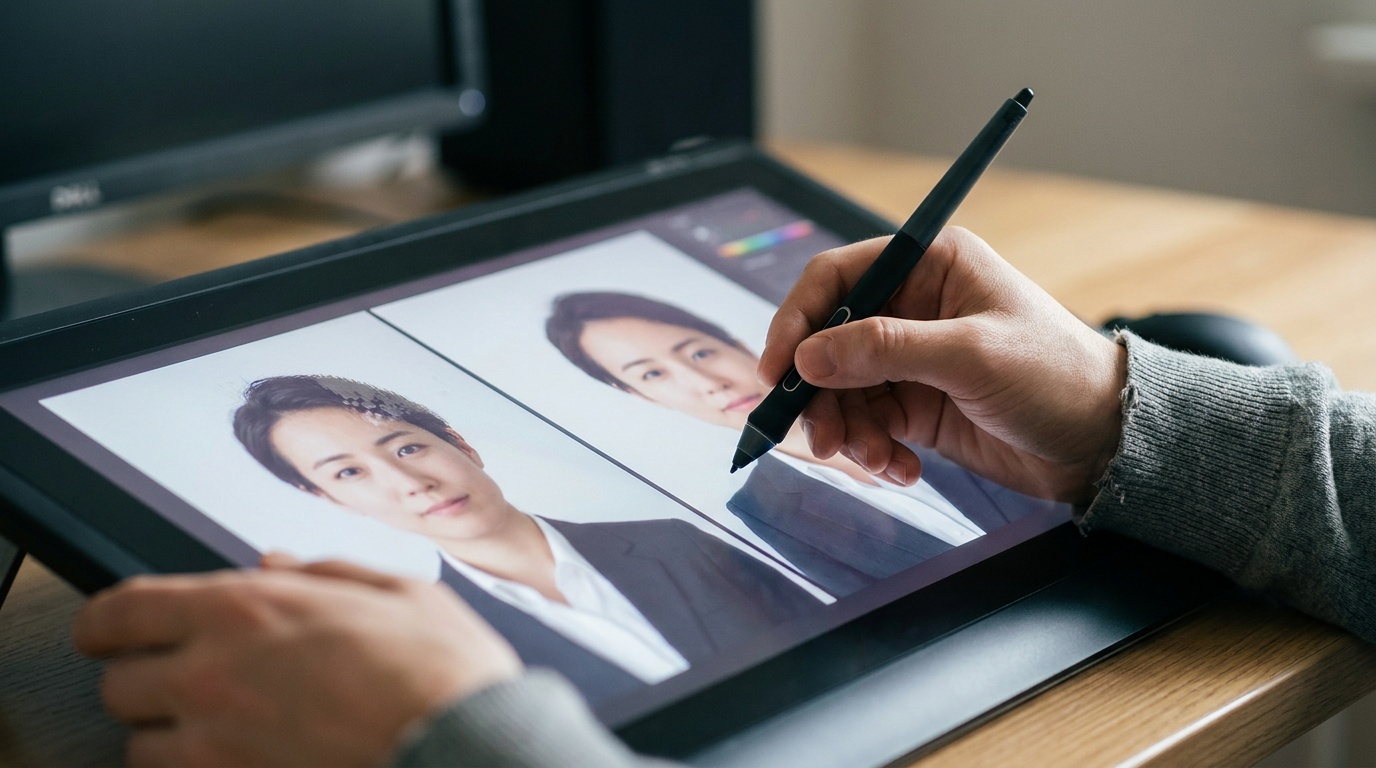
The debate over using an ai headshot generator free vs paid is one I hear constantly, both from clients and fellow photographers. As someone who has spent years behind a camera obsessing over lighting, expression, and detail, I was naturally skeptical of AI's ability to create a genuine portrait. So I decided to dive in myself, testing a range of both free and paid services to see what they could really deliver.
What Makes a Headshot 'Good' Anyway?
Before we can judge an AI, we need a benchmark. A professional headshot isn't just a picture of your face. It's a communication tool. For over a decade in my studio, I've worked to capture four key elements:
- Clarity and Quality: The image must be sharp, high-resolution, and free of digital noise or artifacts. The focus should be squarely on the eyes.
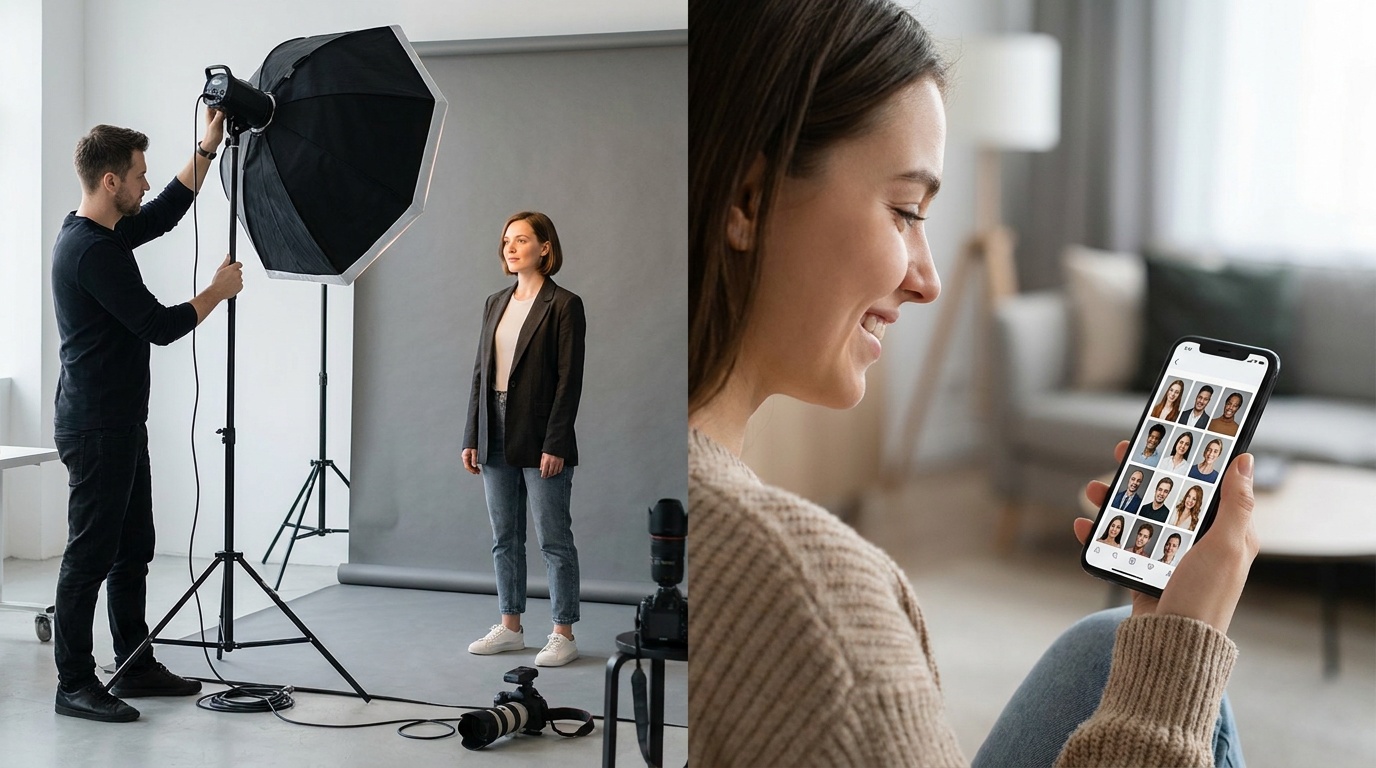
- Flattering Light: Good lighting shapes the face, creates depth, and adds a professional polish. We use specific setups—like a large softbox for soft light or a three-point setup for a dramatic look—to make you look your best.
- Authentic Expression: Your expression should be confident and approachable. It's the difference between a passport photo and a portrait that connects with the viewer.
- Professional Context: The background, wardrobe, and overall mood must align with your professional brand, whether that's a corporate lawyer or a creative artist.
This is the standard I hold my own work to, and it's the standard I used to evaluate these AI tools.
My Test Drive: The Free AI Headshot Generator
My first stop was the world of free AI headshot generators. The promise is tempting: upload a few selfies, get a professional headshot for free. The process was straightforward, but the results were a mixed bag that leaned heavily toward disappointing.
The Process and The Problems
Most free tools ask you to upload 8-12 photos of yourself. Then, you wait. And wait. Queue times can be hours, even days. When the images finally arrived, the issues were immediately apparent to my photographer's eye.
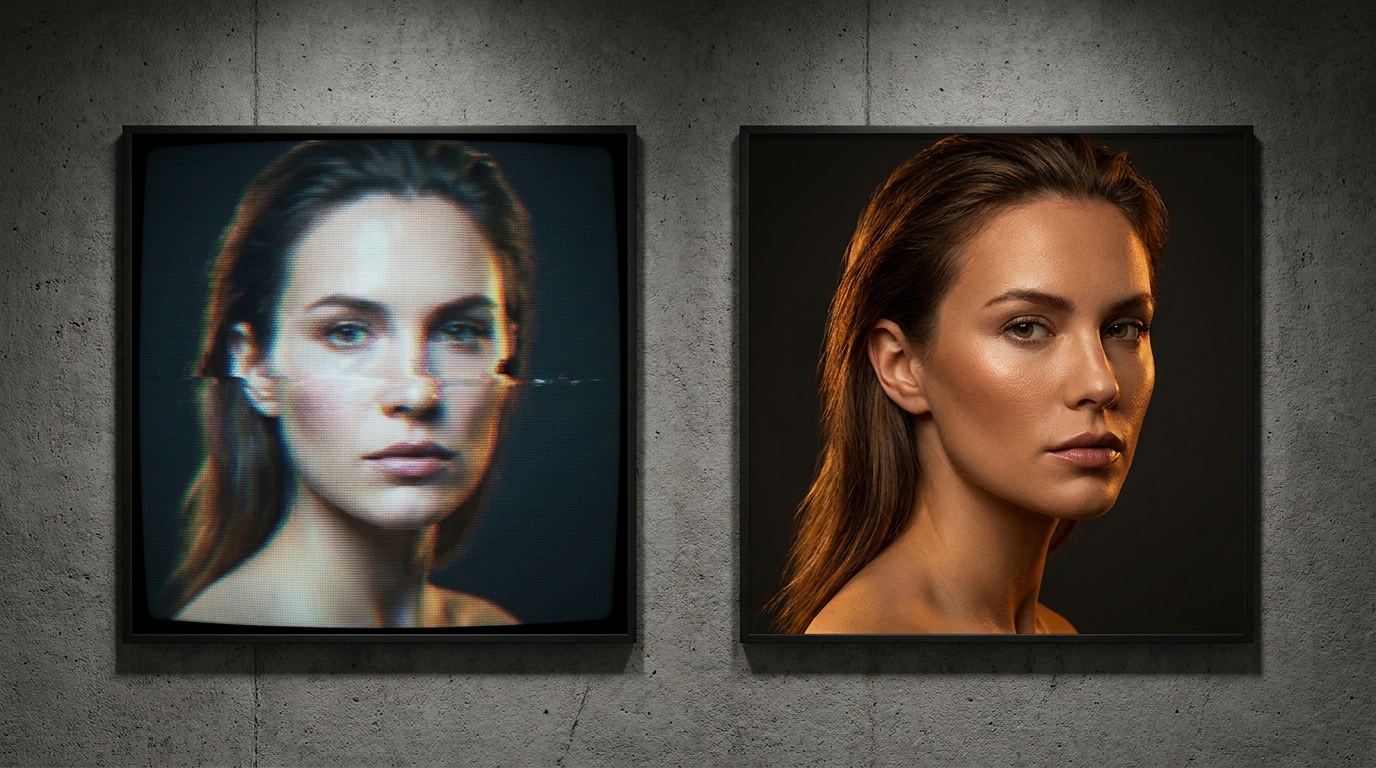
- The Uncanny Valley: Many results looked almost human. Skin was often unnaturally smooth, like a porcelain doll. Eyes sometimes lacked catchlights (the reflection of a light source that makes eyes look alive) or, in worse cases, were slightly asymmetrical or had bizarrely rendered pupils.
- Artifacts and Glitches: I saw plenty of the classic AI mistakes. An earlobe might blend into a collar, a strand of hair would morph into a strange texture on the background, or a pattern on a shirt would repeat unnaturally.
- Inconsistent Identity: The biggest failure was identity preservation. In one batch of 10 images, I might get three that looked vaguely like me, four that looked like a distant cousin, and three that were complete strangers wearing my clothes. This is useless for a professional profile.
Free generators are a fun novelty. You can see what you might look like as a sci-fi hero or in a vintage photo. But for a headshot that needs to represent you, they are unreliable at best.
Stepping Up: The Paid AI Headshot Generator Experience
Next, I invested a small amount—typically the cost of a couple of coffees—into several paid AI headshot services. The difference was noticeable from the very beginning.
Paid services are a proper business transaction. The user interface is cleaner, there are no ads, and the instructions for uploading photos are far more specific, which is a good sign. They understand that better input leads to better output.
Quality, Consistency, and Control
The results from paid tools were in a different league. While not every single image was a keeper, the hit rate was dramatically higher.
- Photorealistic Details: The best paid generators rendered skin with actual texture. They replicated the subtle nuances of a real portrait, like realistic hair strands and natural, soft shadows that suggest a professional lighting setup. The AI models are clearly more sophisticated.
- Facial Consistency: This was the most significant improvement. Across dozens of images in different styles—from corporate to casual—my facial structure, eyes, and key features remained consistent. It looked like me, just in a different setting with different lighting.
- Meaningful Customization: Instead of random outputs, I could choose specific styles. I could request a headshot with a blurred office background, wearing a navy blazer, with warm, golden-hour lighting. This level of control is crucial for matching a headshot to your personal brand.
While a human photographer offers unparalleled direction, some paid AI services are getting remarkably good at emulating studio conditions. Tools like Portretto focus on this specifically, transforming a simple phone selfie into a variety of studio-quality portraits that maintain your true likeness, which is the ultimate goal.
Upload a photo, pick a look and get your portrait in a minute. Your face stays yours.
Try itThe Real Differences: AI Headshot Generator Free vs Paid Showdown
When you put them side-by-side, the choice becomes clear. It’s not just about a few weird artifacts; it's a fundamental difference in quality, security, and usability.
Image Quality and Realism
- Free: Often low-resolution, with visible compression and a high chance of falling into the uncanny valley. The lighting and physics are frequently incorrect, resulting in a flat, artificial look.
- Paid: Delivers high-resolution files suitable for printing or high-quality web use. The AI models are trained to understand the principles of portrait photography, emulating realistic lighting, depth of field, and skin texture.
Data Privacy: The Hidden Cost of 'Free'
This is a critical point that is often overlooked. When you use a free service, you are often paying with your data. Many free generators have vague privacy policies that may allow them to use your uploaded images to train their AI models indefinitely. You are, in effect, providing free labor to improve their product.
Paid services, on the other hand, operate on a clear business model. You pay for a service, and in return, reputable companies offer clear terms about how your data is used and, more importantly, when it is deleted. Your privacy is part of the product you're buying.
Customization and Turnaround Time
- Free: You get what you're given. There's little to no control over clothing, background, or style. Wait times are long and unpredictable.
- Paid: You get a menu of professional styles, backgrounds, and even lighting choices. Processing is prioritized, with many services delivering your headshots in an hour or two.
A Photographer's Checklist for Perfect AI Input
No matter which tool you use, the quality of your AI headshot is directly tied to the quality of the photos you upload. The AI isn't magic; it's a complex algorithm that needs good data. Garbage in, garbage out.
Here is my checklist for selecting the best source photos for any AI generator:
- Use Recent Photos: Upload 10-15 clear photos of yourself taken within the last year. Your face should be the main subject.
- Variety is Key:
- Angles: Include photos from straight on, 3/4 turn, and profile.
- Expressions: Provide a mix of expressions: a natural smile, a soft smile (lips closed), and a neutral/confident look.
- Lighting: Upload photos in different lighting conditions, but ensure your face is clearly visible and not in harsh shadow.
- What to Avoid (This is Crucial):
- No sunglasses or hats. The AI needs to see your full face, eyes, and hair.
- No other people or pets in the frame.
- No duplicates. Each photo should be unique.
- Avoid heavy makeup or filters. The AI needs your natural facial features.
- No full-body shots. The photos should be from the chest up.
- Don't pull funny faces. Keep your expressions natural.
Following these rules will give the AI the best possible information to work with, dramatically increasing your chances of getting a result you love.
The Verdict: When to Use AI and When to Hire a Pro
The rise of paid AI headshot generators doesn't mean the end of professional photographers. It means we have a new, powerful tool for specific situations.
A paid AI headshot is an excellent choice when:
- You need a professional-looking headshot for LinkedIn or a company directory fast.
- Your budget is limited, and a professional session isn't feasible right now.
- You want to experiment with different professional looks (e.g., trying a suit and tie vs. a more casual look) before committing to a style.
However, you should absolutely hire a human photographer when:
- You need a set of images for a major branding campaign or website launch where every detail must be perfect and on-brand.
- You are a C-level executive, public speaker, or author whose image is a core part of your public persona.
- You need to capture the nuance of your personality through guided expression and interaction, something only a real session can provide.
Ultimately, the discussion of an ai headshot generator free vs paid comes down to your needs. A free tool is a toy. A paid tool is a legitimate option for a fast, affordable, and surprisingly high-quality professional image. It's a small investment in your personal brand that, in my professional opinion, pays for itself.
FAQ
Are free AI headshot generators safe to use?
It depends on their privacy policy. Many free services use your uploaded photos to train their AI models, meaning your data may be stored and used indefinitely. Paid services typically offer clearer policies on data usage and deletion, making them a safer choice for your personal images.
Why do my AI headshots look weird or not like me?
This usually happens for two reasons: you're using a less advanced free generator, or your input photos were not ideal. AI can create strange artifacts like distorted eyes or plastic-looking skin. To get results that look like you, use a high-quality paid generator and upload clear, recent, and varied photos of your face without sunglasses or hats.
Can AI headshots replace professional photographers?
Not entirely. AI headshots are a fantastic tool for quick, affordable updates for platforms like LinkedIn. However, for high-stakes branding, executive portraits, or capturing unique personality, the creative collaboration and control offered by a professional human photographer remains unmatched.
How many photos do I need for an AI headshot generator?
Most services, both free and paid, recommend uploading between 10 to 20 high-quality photos. It's important to provide a variety of angles (front, side) and expressions (smiling, neutral) so the AI has enough data to create an accurate and realistic likeness of you.
Is a paid AI headshot worth the money?
For most professional uses, yes. Paid AI headshot generators provide significantly higher image quality, better facial consistency, and more customization options than free alternatives. Considering the low cost—often less than $30—it's a worthwhile investment for a professional image that can impact your career.