How Often to Update Your LinkedIn Photo? (5 Signs)
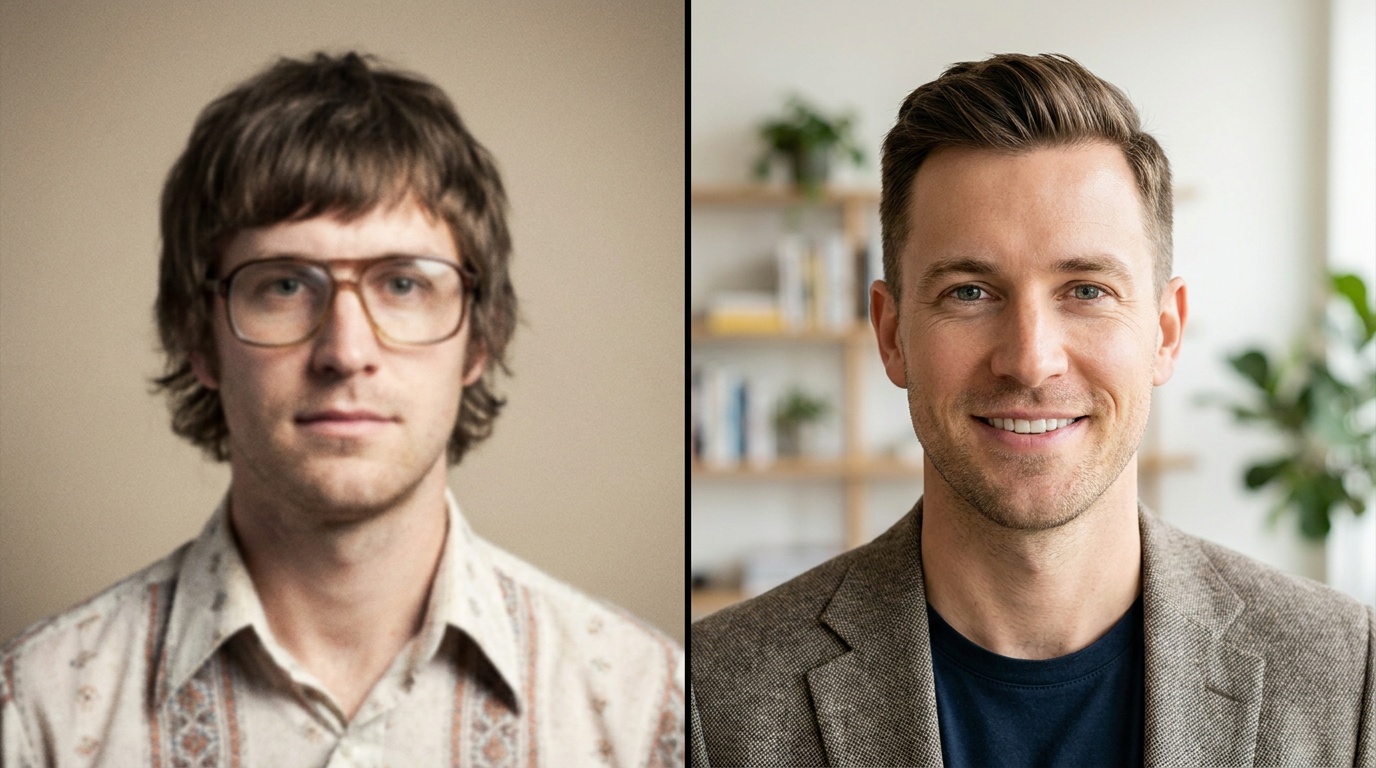
The standard advice you'll hear is to update your professional headshot every two years. But as a portrait photographer, I can tell you that a simple calendar reminder isn't the best way to decide how often to update your LinkedIn photo. A better approach is to ask a different question: does my current picture accurately and effectively represent the professional I am today?
Your LinkedIn profile picture is your digital handshake. It’s often the very first impression a recruiter, client, or future colleague has of you. If that image is misaligned with your current reality, you’re starting that new relationship with a subtle handicap. Instead of sticking to a rigid timeline, watch for these five clear signs that it’s time for a refresh.
1. Your Appearance Has Noticeably Changed
This is the most straightforward reason to get a new headshot. Your photo should look like you—the you that will walk into a meeting or a video call tomorrow. When there's a significant disconnect between your photo and your real-life appearance, it can be jarring for people meeting you for the first time.
It creates a moment of cognitive dissonance, a tiny flicker of “Wait, is that the same person?” that can undermine the trust you’re trying to build. Authenticity is paramount in professional branding.
Look for these specific changes:
- Significant Hairstyle or Color Change: If you’ve gone from long hair to a pixie cut, brunette to platinum blonde, or have embraced your natural gray, it’s time for an update. The same goes for men who have experienced significant hair loss or decided to shave their head.
- New or Removed Facial Hair: A full beard adds a lot of character and changes the structure of your jawline in photos. If you've grown one since your last headshot, or recently decided to go clean-shaven after years with a beard, your old photo is no longer a true representation.
- Different Glasses: Eyeglasses are a prominent facial feature. If you’ve started wearing glasses, stopped wearing them (thanks to contacts or surgery), or switched from subtle wireframes to bold, statement frames, your profile picture should reflect that.
- Major Weight Fluctuation: If you’ve made significant changes to your health and your face looks noticeably different, celebrate that achievement with a new photo that reflects your current appearance.
2. Your Career or Industry Has Evolved
A headshot isn't just a picture of your face; it's a piece of strategic communication. It should visually align with your current role, industry, and professional aspirations. A photo that was perfect for your first job out of college will likely feel out of place once you’re a senior manager.
Think about the visual language of your field. A software engineer at a laid-back startup can have a more casual photo than a wealth manager at a major financial institution. Your headshot should signal to viewers that you belong in your professional context.
Consider an update if you've experienced:
- A Significant Promotion: Moving from a junior to a senior role, or into a leadership position, requires a shift in your professional image. Your headshot should evolve from “eager and capable” to “confident and authoritative.” This might mean swapping a collared shirt for a blazer or choosing a more structured, classic portrait style.
- An Industry Switch: If you’ve moved from a creative field like graphic design to a more corporate one like law or finance, your visual branding needs to follow. The artistic, moody shot that worked for your design portfolio won't resonate with partners at a law firm. You'll need a more traditional, polished look.
- A Shift to Entrepreneurship or Consulting: When you become the face of your own brand, your headshot takes on even more importance. It needs to be polished, professional, and perfectly aligned with the brand identity you want to project. This is no longer just a profile picture; it’s a core marketing asset.
3. Your Photo Quality Looks Dated
Technology and photographic trends change quickly. A photo that looked great five years ago can now scream “outdated” simply due to its technical characteristics. As a photographer, this is one of the easiest things for me to spot.
Your profile picture exists on a platform alongside millions of others. If yours is blurry, poorly lit, or heavily filtered, it immediately looks less professional than the crisp, clean headshots of your peers.
Audit your photo for these technical red flags:
- Low Resolution: Is your photo slightly fuzzy or pixelated, especially on a large monitor? This is a common issue with older smartphone cameras or photos that have been compressed too many times. A modern headshot must be sharp and clear.
- Dated Editing Styles: Watch out for trends from the past. Heavy vignettes (darkened corners), selective color (where only one object is in color), or an overly soft, “glamour shot” focus immediately date a photo.
- Poor Lighting: The most common amateur mistake. Is one side of your face in deep shadow? Are you lit from below, creating an unflattering look? Is there a harsh, bright flash reflection on your forehead? Modern professional portraits use soft, flattering light that makes you look your best.
Upload a photo, pick a look and get your portrait in a minute. Your face stays yours.
Try it4. How Often Should You Update Your LinkedIn Picture? A Practical Guide
So, you’ve identified that it’s time for a change. The question of how often to update your LinkedIn photo is less about the calendar and more about staying current. Your goal is a headshot that is authentic, professional, and high-quality. You don't need to spend a fortune, but you do need to be intentional.
Whether you’re taking a new photo yourself or using a service, the fundamentals of a great headshot remain the same.
Checklist for a New, Powerful Headshot
- Wardrobe: Choose solid colors that flatter your skin tone. Avoid busy patterns, large logos, or anything that will distract from your face. A blazer, a crisp button-down shirt, a blouse, or a quality sweater are all excellent choices. Dress for the job you want, or the one you have.
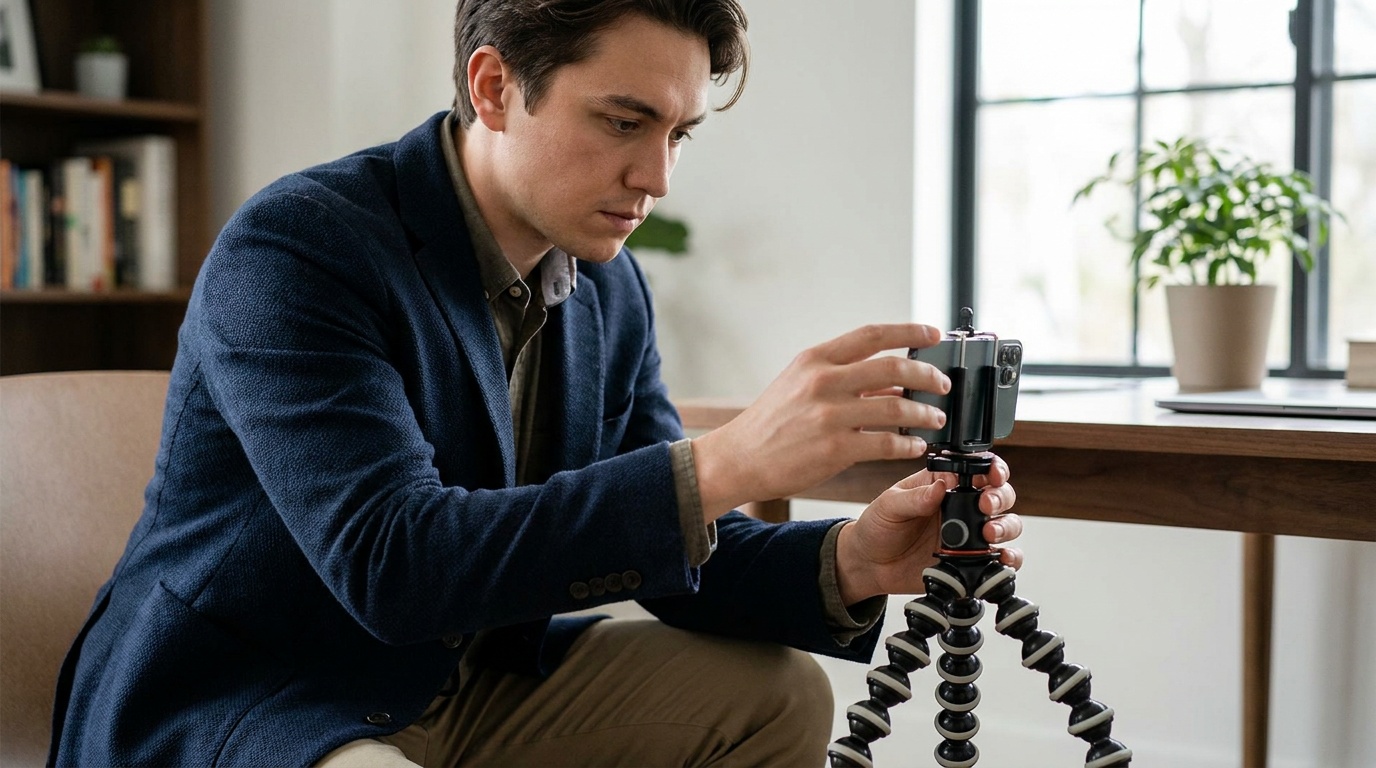
- Lighting: This is non-negotiable. The easiest way to get great light at home is to stand facing a large window during the day. The soft, indirect natural light will illuminate your face evenly and minimize harsh shadows. Never stand with the window behind you.
- Background: Keep it simple. A solid, neutral-colored wall (gray, white, beige) is perfect. A blurred-out office or outdoor setting can also work, as long as it’s not distracting. The focus must be on you.
- Expression & Pose: Don't just stare at the camera. Think about a recent professional win or a happy memory to bring a genuine, confident smile to your eyes. Turn your body slightly to a 45-degree angle from the camera and then turn your head back to face the lens. This simple trick creates a more dynamic and flattering pose than a straight-on shot.
Getting a Studio-Quality Look from a Selfie
Let's be realistic: organizing a full photoshoot can be time-consuming and expensive. This is where technology can be a powerful ally. If you can take a high-quality selfie following the principles above, you have the perfect raw material for an AI-powered photo studio.
For example, a service like Portretto can take your well-lit, clear selfie and transform it into a range of professional portraits. It can place you in a studio setting, an office environment, or even create a classic black and white look, all while keeping your facial features perfectly intact. It’s an incredibly efficient way to get a diverse set of high-end headshots without the traditional cost and hassle.
To get the best results from an AI tool, your input photo is key:
- Use Your Phone's Rear Camera: It's almost always higher quality than the front-facing selfie camera.
- Look Directly at the Lens: Don't wear sunglasses, a hat, or have hair obscuring your face.
- Keep a Neutral Expression: A slight, closed-mouth smile is often the most versatile base for the AI to work with.
- Upload a High-Resolution Image: Don’t use a screenshot or a photo sent over a messaging app, which often compresses the file.
5. Common (and Easily Avoidable) Headshot Mistakes
Updating your photo is a great start, but be sure you’re not swapping one bad photo for another. As I scan LinkedIn, I see the same mistakes over and over. Avoiding them will instantly elevate your profile.
- The Obvious Crop: Cropping yourself out of a group photo from a wedding or party is a dead giveaway. There's often a stray shoulder, arm, or piece of someone else's head in the frame. It looks unprofessional and lazy.
- The Vacation Photo: Leave the sunglasses, beach backgrounds, and celebratory drinks for Instagram. Your LinkedIn photo should communicate professional competence, not your last holiday.
- The Car Selfie: The lighting is often terrible, the seatbelt is distracting, and the context is just too casual for a professional platform. It says “I took this in a spare moment,” not “I am a serious professional.”
- The Stiff “Passport Photo” Stare: A great headshot has personality. It should look like you on your best professional day—confident, approachable, and engaged. A blank, deer-in-the-headlights stare is a missed opportunity to connect with the viewer.
- The Over-the-Top Filter: While a professional retoucher will subtly soften shadows and remove temporary blemishes, avoid using social media filters that change your eye color, reshape your face, or give your skin a plastic-like texture. Authenticity is always the goal.
Your LinkedIn photo is a small but mighty component of your professional brand. Don't let an outdated or unprofessional image hold you back. By evaluating your photo against these signs and using modern tools to create a high-quality replacement, you ensure your digital first impression is as strong, current, and capable as you are.
FAQ
Should I smile in my LinkedIn photo?
Yes, a smile is generally recommended for a LinkedIn photo. A warm, genuine, and confident smile makes you appear more approachable, trustworthy, and personable. Avoid a huge grin; a slight, natural smile that reaches your eyes is most effective for a professional context.
Is a selfie OK for a LinkedIn photo?
While a casual selfie is generally not professional enough, a high-quality, well-lit selfie taken against a plain background can be a good starting point. For a truly polished look, you can use that selfie as a base for an AI headshot generator like Portretto to create a studio-quality portrait, or hire a professional photographer.
What should I wear for a LinkedIn headshot?
Your attire should align with your industry and professional level. Solid colors are best as they don't distract from your face. Choose colors that complement your skin tone. A blazer, a crisp shirt, or a simple blouse are safe and effective choices. Avoid busy patterns, large logos, and overly casual clothing.
Is a black and white headshot professional?
Yes, a black and white headshot can be very professional and sophisticated. It's a classic style that can convey seriousness and artistry, making it a great choice for academics, lawyers, architects, and creatives. By removing the distraction of color, it places all the focus on your expression and character.
How much does a professional headshot cost?
The cost of a traditional professional headshot varies widely based on the photographer's experience and your location, typically ranging from $150 to over $1,000. This usually includes a session and a few retouched digital images. AI headshot services offer a more accessible alternative, providing multiple studio-quality options for a fraction of the price.