How Does AI Learn My Face for Headshots? A Guide
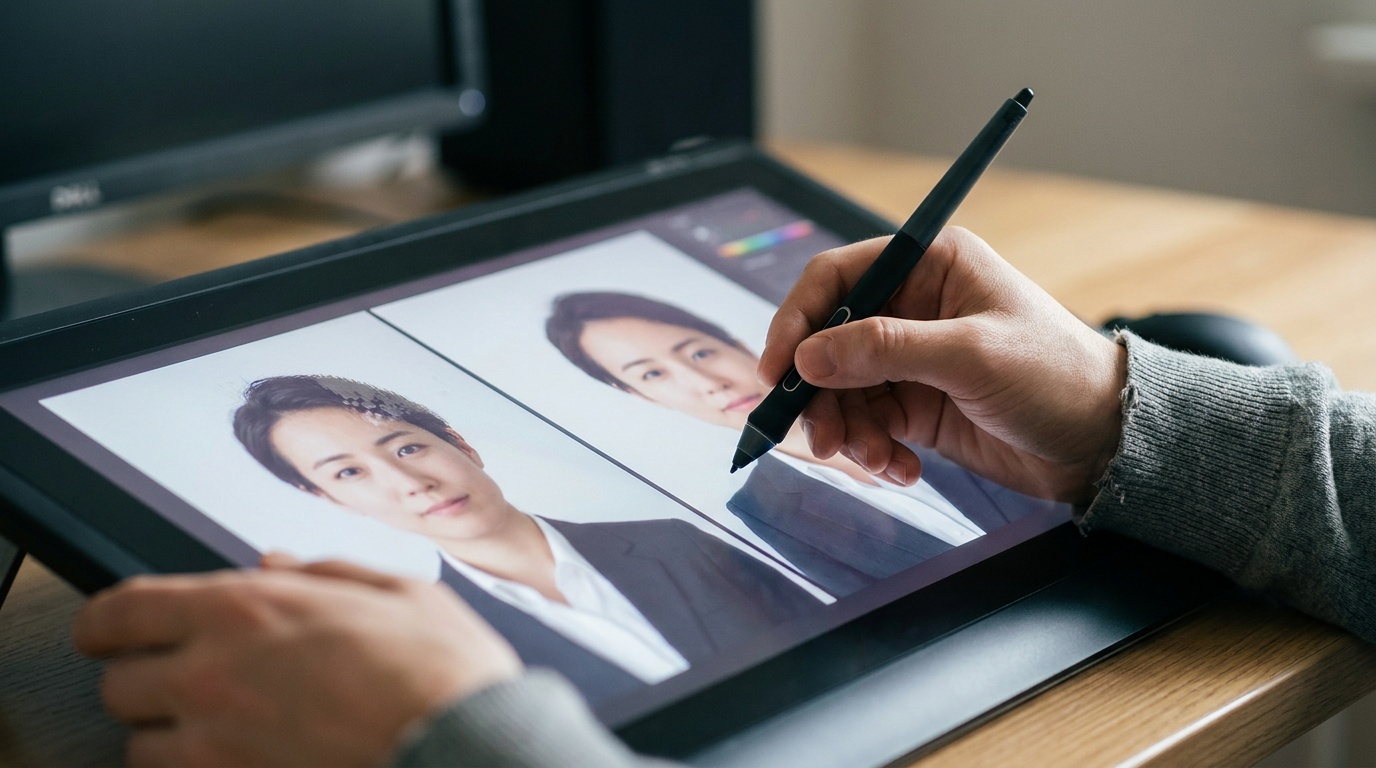
The magic of turning a handful of casual selfies into a studio-quality portrait can feel like a black box. You upload your photos, and minutes later, you have a professional headshot without ever stepping in front of a camera. The core question many people have is, how does AI learn my face for headshots and create something that genuinely reflects my identity? As a photographer who has spent years understanding light and faces, I've been fascinated by this technology, and the answer is more like a custom art commission than a simple photo filter.
The Core Concept: Training a Personal AI Model on Your Face
First, let's clear up a common misconception. AI portrait generators don't just apply a 'professional' filter over your selfie. Instead, they build a temporary, custom AI model trained specifically on your unique facial features. Think of it like hiring a hyper-fast portrait artist. Before they paint, they would ask you to sit, turn your head, smile, and look serious. They study the way light falls on your cheekbones, the specific shape of your eyes, and the unique lines of your mouth.
Generative AI does the same thing, but with data. By analyzing a collection of your photos, it learns what makes you you. It's not just copying and pasting your face onto a stock photo. It's building a deep understanding of your facial geometry, texture, and expressions. This process is what allows the AI to then generate a completely new image of you in a style and setting you've never been in, while still retaining your likeness.
This is achieved using sophisticated technologies like generative adversarial networks (GANs) or, more commonly today, diffusion models. These models are trained on billions of images from the internet, so they already understand concepts like "portrait," "studio lighting," and "business attire." The magic happens when we fine-tune that massive model with your specific face.
How Does the AI Learn Your Face for Headshots? A Look Under the Hood
The process of creating your AI headshot can be broken down into three main stages. It's a journey from raw data (your selfies) to a polished, synthesized portrait that captures your essence.
Step 1: Data Collection (Your Selfies)
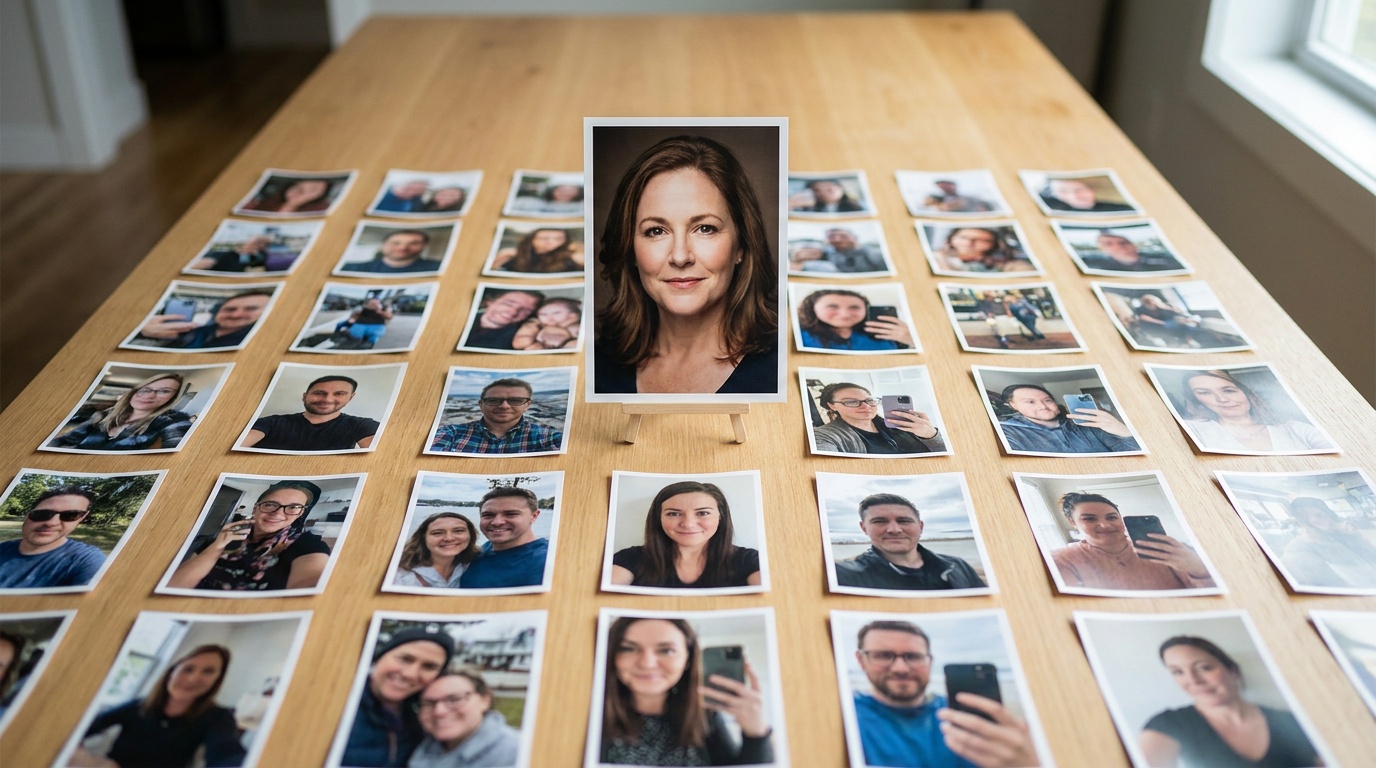
This is the most critical step, and the one where you have the most control. The principle is simple: garbage in, garbage out. The AI can only learn from the information you provide. It needs to see your face clearly and from multiple perspectives to build an accurate internal representation.
During this phase, the AI isn't just looking at your face as a whole. It's breaking it down into countless data points: the distance between your eyes, the curve of your jawline, the texture of your skin, the way your hair parts, and the subtle asymmetries that make your face unique. A diverse set of photos gives the AI a rich dataset to learn from, leading to a much more accurate and versatile result.
Step 2: Feature Extraction and Model Fine-Tuning
Once you've uploaded your photos, the AI gets to work. It uses a technique often based on concepts like Dreambooth or Low-Rank Adaptation (LoRA). In simple terms, the system takes a huge, pre-existing AI image model (one that already knows what millions of things look like) and teaches it a new, single concept: you.
The AI isolates your facial features from the various backgrounds, lighting, and clothing in your photos. It then learns to associate a unique, internal 'token' or identifier with this collection of features. From that point on, within its temporary model, that token is you. It's not learning your name; it's learning the specific mathematical representation of your face.
This fine-tuning process is computationally intensive but relatively quick. The AI refines its understanding by looking at all your photos, learning to distinguish your permanent features (like your bone structure) from temporary ones (like a specific smile or a shadow from a tree).
Step 3: The Generation Phase (Creating Your Headshot)
This is where the magic becomes visible. Now that the AI has a custom model of your face, it can combine that knowledge with new instructions, or "prompts." A prompt might be something like, "A professional corporate headshot of [your unique token], studio lighting, dark grey background, wearing a navy blue blazer."
The AI then starts with a canvas of pure digital noise—a random collection of pixels. Step by step, it refines this noise, guided by two things: its understanding of your face and its understanding of the prompt. It asks itself questions like, "Does this look like [your unique token]?" and "Does this look like a professional headshot?" It continues this process until it produces an image that satisfies both conditions, resulting in a brand-new, photorealistic portrait of you.
A Photographer's Guide to "Feeding the AI": Choosing the Right Photos
As a photographer, I know that the final portrait is determined long before the shutter clicks. It's about the prep, the lighting, and the subject's expression. The same is true for AI. The quality of your AI headshot is almost entirely dependent on the quality of the photos you upload. Here’s a practical guide to selecting the best images.
The "Golden Rule": Variety is Everything
If you only give the AI photos of you smiling from the same angle, it will assume that's the only way your face can look. It will struggle to create a neutral expression or a portrait from a different perspective. To get the best results, you need to provide a comprehensive visual resume of your face.
Your Photo Upload Checklist
Treat this like a mini-photoshoot with your phone. Spend 10 minutes capturing a good range of images. It will make a world of difference.
- Quantity: Aim for 10-20 photos. Fewer than 10 may not provide enough data, while more than 20 doesn't necessarily add more value if the photos are all similar.
- Angles: The AI needs a 3D understanding of your head. Include:
- Straight-on shots (looking directly at the camera).
- Three-quarter views (your head turned slightly to the left and right).
- At least one profile or near-profile shot.
- Shots where you're looking slightly up and slightly down.
- Expressions: Show your range. Upload:
- A few with a neutral expression (mouth closed, relaxed face).
- A few with a soft, gentle smile.
- One or two with a big, genuine laugh (but not too many).
- Lighting: Don't just use photos taken in the same room. Different light reveals different contours.
- Good: Soft, natural light from a window is the gold standard. Photos taken outside on an overcast day are also excellent.
- Okay: A well-lit indoor room. Try to face the light source.
- Avoid: Harsh, direct sunlight creating strong shadows, or very dark, grainy photos.
- Clarity and Focus: Every photo must be sharp and in focus. The AI can't learn from a blurry image. Make sure your face is the main subject and takes up a good portion of the frame.
Common Mistakes to Avoid When Uploading Photos
Avoiding these pitfalls is just as important as following the checklist.
- The Filter Fallacy: Do not upload photos with heavy Instagram/Snapchat filters or dramatic beauty edits. The AI will learn the filtered version of you, and the results will look artificial.
- Obstruction Issues: Avoid photos with sunglasses, heavy-rimmed glasses (if you can), hats, scarves covering your chin, or your hand on your face. The AI needs to see your entire facial structure.
- The Group Photo Problem: Never use group photos, even if you crop them. The AI can get confused by other faces in the background, and the resolution is often too low.
- Overfitting to One Look: Don't upload 15 photos taken in the same outfit, in the same room, on the same day. The AI will become too attached to that specific look (e.g., that one t-shirt) and may try to include it in your final headshots.
- Using Old Photos: Only use photos that look like you now. If you've changed your hair, grown a beard, or your appearance has changed significantly, using photos from five years ago will confuse the model and produce an inaccurate result.
Upload a photo, pick a look and get your portrait in a minute. Your face stays yours.
Try itWhy Doesn't It Look Exactly Like My Selfie? Understanding AI's Artistic Interpretation
One of the most common reactions to a first set of AI headshots is, "It looks like me, but... different." This is intentional and, in fact, desirable. The goal of an AI headshot is not to create a perfect copy of one of your selfies. It's to synthesize an idealized portrait.
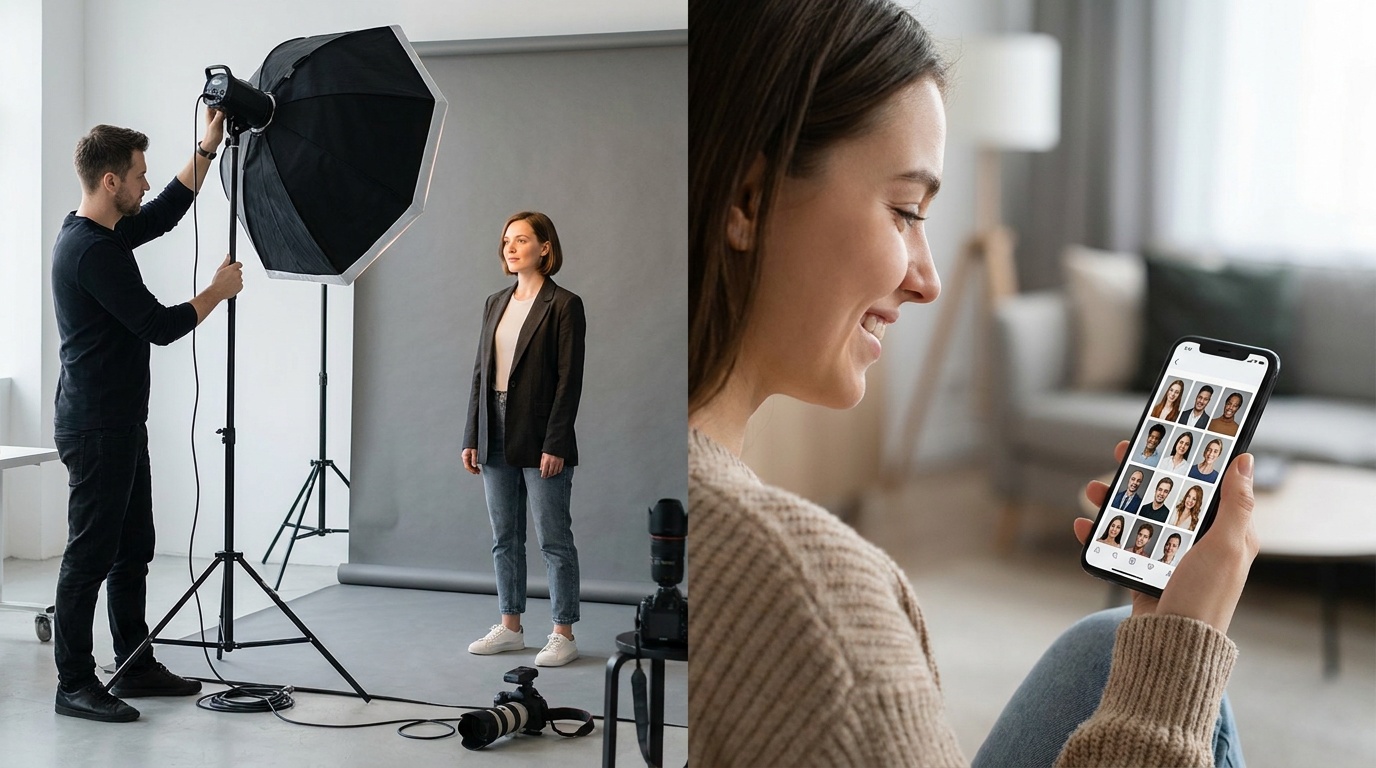
Your phone's selfie camera has a wide-angle lens that distorts your features. You're probably in flat, unflattering light. Your pose might be a bit awkward. The AI corrects for all of this. It combines the most consistent features from all your photos and then renders them under perfect, simulated studio lighting with professional-grade lens characteristics.
It's creating a plausible photograph of you on your best day, in a professional setting. The AI is acting as a virtual photographer, art director, and lighting technician. It smooths out inconsistencies, chooses the most flattering 'angle' based on its 3D model of you, and places you in a context that elevates your image. The result should feel like a more polished, confident version of you, not a stranger.
Preserving Your Identity: The Key to a Realistic AI Portrait
While the AI takes some artistic liberties, the ultimate goal is authenticity. A good AI portrait service understands that it must preserve the core features that make up your identity. It shouldn't change your fundamental bone structure, the unique shape of your eyes and nose, or distinctive moles and scars (unless you choose a style that specifically smooths skin).
This is where the quality of the AI model and the ethics of the service come into play. A platform like Portretto is designed to prioritize likeness. The technology works to create an aspirational yet authentic image. It achieves this by being trained to distinguish between foundational facial geometry and superficial elements. By analyzing your varied photos, it learns what is core to your identity and ensures that this essence is translated into every portrait it generates.
This balance is the hallmark of a high-quality AI generator. The result is a headshot that not only looks professional but also feels genuinely like you, capturing your character and projecting confidence.
Your Face, Reimagined by AI
Understanding how does AI learn my face for headshots demystifies the process and puts the power back in your hands. It's not an uncontrollable magic trick; it's a collaborative process between you and a powerful tool. By providing high-quality, varied source images, you are essentially art-directing your own virtual photoshoot.
You are teaching the AI about you. The result is a fusion of your true likeness and the AI's vast knowledge of professional photography. This technology offers a remarkable opportunity to obtain polished, studio-grade portraits that are accessible, affordable, and tailored specifically to you, opening up a new frontier for personal and professional branding.
FAQ
How many photos do I need for a good AI headshot?
For the best results, you should upload between 10 and 20 clear, high-quality photos. Variety is more important than sheer numbers; include different angles, expressions, and lighting conditions to give the AI a complete understanding of your face.
Will the AI headshot look exactly like me?
It will look like you, but not like a direct copy of any single photo you uploaded. The AI synthesizes a new, idealized portrait by combining your core features with professional lighting, poses, and camera settings, resulting in a polished yet authentic version of you.
Can I use old photos to train the AI?
You should only use photos that accurately represent how you look today. Using photos from several years ago, or before a significant change in appearance (like a new hairstyle or beard), can confuse the AI and lead to inaccurate results.
Why do I need to upload so many different kinds of photos?
Providing a variety of photos prevents the AI from 'overfitting'—that is, learning a temporary look instead of your core features. Different angles, expressions, and lighting help the model build a robust 3D understanding of your face, leading to more versatile and realistic headshots.
Are my uploaded photos safe when I create an AI portrait?
Reputable AI portrait services prioritize user privacy and data security. Typically, your photos are used exclusively to train your personal AI model for the duration of the generation process and are then deleted from the servers. Always review the privacy policy of the service you are using.