Can I Use Old Photos for AI Headshots? A Guide
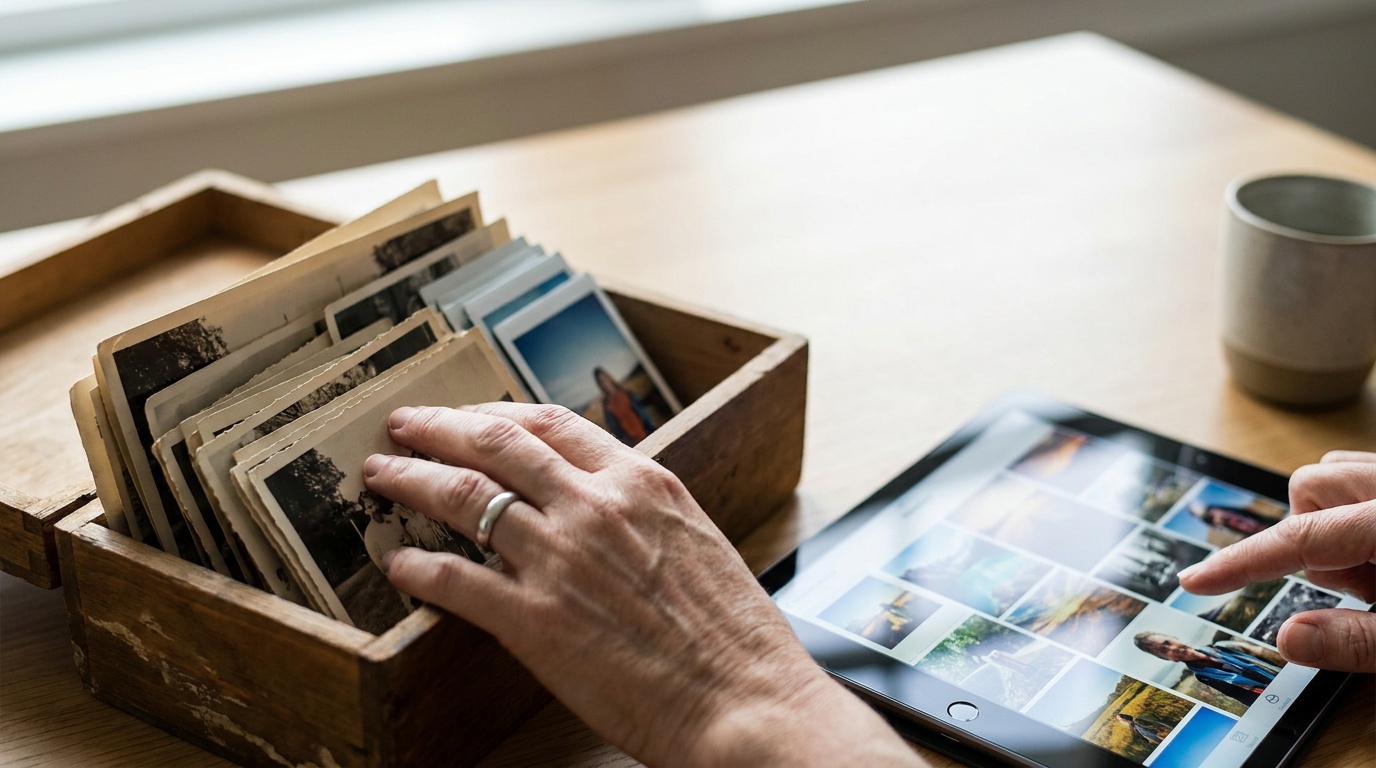
We all have that one favorite photo of ourselves—maybe it's from a vacation a decade ago or a wedding five years back—where we feel we look our best. It's tempting to wonder, can I use old photos for AI headshots and breathe new life into that perfect shot? The answer is a definite maybe, but it depends entirely on the technical quality of the original image, not its age.
As a portrait photographer, I live by the rule that the final image is only as good as the light and data you capture. AI models operate on a similar principle, often called "garbage in, garbage out." If you feed the AI a blurry, poorly lit, low-resolution photo, it has to guess at the missing details, resulting in waxy skin, strange artifacts, and an unsettling, unrealistic final product. This guide will walk you through exactly what to look for in your photo archives to get the best possible AI headshots.
The AI's Perspective: Why Your Input Photo is Everything
Before we dive into a checklist, it's crucial to understand how an AI headshot generator "sees" your photo. It doesn't recognize you as a person with memories. Instead, it analyzes a massive grid of pixels, interpreting data about light, shadow, texture, and shapes to learn your unique facial structure.
When you upload a high-quality photo, you're giving the AI a rich, detailed dataset. It can clearly map the curve of your jawline, the specific shape of your eyes, and the texture of your skin. With this clean data, it can accurately reconstruct your face in different lighting scenarios, outfits, and settings.
Conversely, a low-quality photo is like a corrupted file. If half your face is hidden in a deep shadow, the AI has no data for that area. If the image is blurry, the AI can't distinguish between your eyelashes and your eyelid. It's forced to make assumptions, and those assumptions often lead to the strange, distorted results that give AI portraits a bad name.
Can You Use Old Photos for AI Headshots? A Quality Checklist
The age of your photo is far less important than its technical merit. A tack-sharp photo from a 10-year-old DSLR camera is infinitely better than a blurry selfie you took yesterday in a dark room. Use this checklist to audit any photo—old or new—before uploading it.
### Resolution and Sharpness
This is the most critical factor. The AI needs detail to work with.
- The Litmus Test: Zoom in on the original photo file. Focus on your eyes. Can you see individual eyelashes and the reflection (catchlight) in your pupils? If the eye becomes a blurry or blocky mess, the resolution is too low.
- What to Look For: Photos taken with DSLR or mirrorless cameras are almost always winners. High-end smartphone photos from the last 5-7 years are also excellent candidates.
- What to Avoid: Photos saved from social media, which are heavily compressed. Screenshots are also a definite no. Anything from an early 2000s flip phone or a low-end point-and-shoot camera will likely be too grainy and low-resolution.
### Lighting
Lighting defines the shape and dimension of your face. The AI needs to see those dimensions clearly.
- The Gold Standard: Soft, even, frontal lighting. The best and easiest example is a photo of you facing a large window on an overcast day. This light wraps around your features and minimizes harsh shadows.
- What to Look For: Photos where your entire face is clearly and evenly illuminated. Your features should look dimensional but not obscured.
- What to Avoid:
- Harsh Sunlight: This creates deep, dark shadows under your eyes and nose.
- Overhead Lighting: The classic "raccoon eyes" effect where your eye sockets are in shadow.
- Direct On-Camera Flash: This flattens your features, creates harsh reflections (hot spots), and can cause red-eye.
- Backlighting: Photos where you're standing in front of a bright light source, which turns your face into a silhouette.
### Facial Expression and Pose
The AI learns your baseline facial structure from the input image. A distorted expression will teach it the wrong thing.
- The Ideal Pose: You should be looking directly at the camera or just slightly off-center. Your head should be level or at a slight, natural angle.
- What to Look For: A neutral expression or a small, genuine smile. Think of the expression you'd have on a passport photo, but with a bit more life.
- What to Avoid: Over-the-top expressions like a huge, forced grin that squishes your eyes, a silly face, or a wide-open mouth. Also, avoid extreme angles like a full profile shot or a shot from high above or far below, as the AI won't be able to see your full facial structure.
### Obstructions
If the AI can't see it, it can't render it. It's that simple.
- What to Look For: A photo where your face is completely unobstructed from the top of your forehead to the bottom of your chin.
- What to Avoid:
- Sunglasses or heavy prescription glasses that obscure your eyes.
- Hats or hair casting strong shadows or covering your forehead and eyes.
- Hands touching your face (e.g., resting your chin on your hand).
- Scarves or high collars that hide your chin or jawline.
The Experiment: Old vs. New Photos in Practice
To illustrate, let's imagine running three different photos through an AI generator.
- The "Good" Old Photo (2014): A portrait taken with a Canon 5D Mark III. The resolution is high, the lighting is soft from a window, and the expression is neutral. Expected Result: Excellent. The AI will have no trouble learning the facial features. The final headshots will look just like the person from 2014, but with modern hairstyles, outfits, and professional backgrounds. The AI successfully updates the context, not the person.
- The "Bad" Old Photo (2008): A snapshot from a birthday party taken with a small point-and-shoot camera. The on-camera flash is harsh, the room is dark, the resolution is low, and the person is laughing mid-sentence. Expected Result: Poor. The AI will struggle with the flat lighting and lack of detail. The skin will look waxy, the eyes might be slightly asymmetrical, and the mouth could look distorted. It's trying to build a 3D model from a 2D, data-poor source.
- The "Good" New Photo (Today): A selfie taken with a modern smartphone, following the rules: facing a window, neutral background, calm expression. Expected Result: Excellent. This is the ideal input. The AI gets clean, modern data and produces the most accurate and realistic headshots.
The key takeaway is that Photo 1, despite being old, is a far better candidate than Photo 2. The quality of the pixels matters more than their age.
Upload a photo, pick a look and get your portrait in a minute. Your face stays yours.
Try itWhen It's Better to Just Take a New Photo
After searching your archives, you might realize you don't have a photo that ticks all the boxes. That's perfectly fine. In fact, taking a new photo specifically for the AI is often the fastest path to great results.
Consider taking a new photo if:
- All your old photos are low-resolution, poorly lit, or have obstructions.
- Your appearance has changed significantly (e.g., different hairstyle, weight change, grown or shaved a beard) and you want the headshot to reflect how you look today.
- You want absolute certainty that you're providing the best possible input for the most realistic output.
How to Take the Perfect AI Input Selfie
You don't need a fancy camera. Your smartphone is more than capable.
- Find Your Light: Stand 2-3 feet from a large window during the daytime. Face the window directly. This is the most flattering light you can find.
- Control Your Background: Stand in front of a plain, neutral-colored wall. This helps the AI separate you from the background.
- Stabilize Your Phone: Prop your phone on a stack of books or a tripod. Using the main rear camera (which is usually higher quality) and the 10-second timer will produce a much sharper photo than a handheld selfie.
- Position Yourself: Your face and shoulders should be in the frame. Look directly into the camera lens, not at your own face on the screen.
- Keep it Neutral: Relax your face. Take a few deep breaths. Aim for a calm, neutral expression or a very slight, closed-mouth smile.
This simple, two-minute process will give you a perfect source image. Using a high-quality input like this with a service like Portretto allows the AI to focus on what it does best: creating a variety of professional, studio-quality portraits while keeping your likeness perfectly intact.
Common Mistakes to Avoid
When digging through old photos, be ruthless and avoid these common traps that lead to disappointing AI results.
- Using Scanned Prints: Unless you have access to a high-end photo scanner and the original print is in pristine condition, avoid this. Scans often capture dust, scratches, and the texture of the photo paper, which confuses the AI. A new phone photo is almost always better.
- Using a Photo of a Photo: Never take a picture of a printed photograph. The glare, distortion, and dramatic loss of quality make it one of the worst possible inputs.
- Uploading Heavily Edited Photos: Avoid photos with strong Instagram-style filters, skin smoothing, or artistic effects. The AI needs to learn your real features and skin texture, not the filtered version.
- Cropping from a Group Shot: That photo of you on vacation with five friends might be a great memory, but if you have to crop it down to a tiny square to isolate your face, the resulting resolution will be far too low.
Ultimately, you can absolutely use old photos for AI headshots, provided they are technically sound. By acting as a strict photo editor and judging your images based on sharpness, lighting, and clarity, you can unearth a gem from your archives that will produce fantastic results. And if you can't find one, the perfect input photo is just a few clicks away on your smartphone.
FAQ
Does the AI make you look younger if you use an old photo?
No. The AI learns your facial features from the photo you provide. If you use a photo from 10 years ago, the AI headshot will look like you 10 years ago, just in a new, high-quality setting. It does not de-age or alter your fundamental appearance.
What's the minimum resolution for a photo to be used for AI headshots?
There's no single magic number, but aim for at least 1024x1024 pixels for the face itself. A better rule of thumb is the 'zoom test': if you can zoom in on the eyes and they are still clear and not a pixelated block, the resolution is likely good enough.
Can I use a scanned photo from a physical album?
You can, but it's risky. The scan must be very high resolution (at least 600 DPI) and free of dust, scratches, and color fading. In most cases, a new photo taken with a modern smartphone will produce far better results than a scanned old print.
Is it better to use a professional photo or a selfie as the input for AI?
The origin doesn't matter as much as the quality. A well-lit, sharp selfie where your face is clear is better than a blurry or poorly lit professional photo. The AI cares about clean data, not whether you paid for the original picture.