Consistent Team Headshots with AI: A Guide for Brands
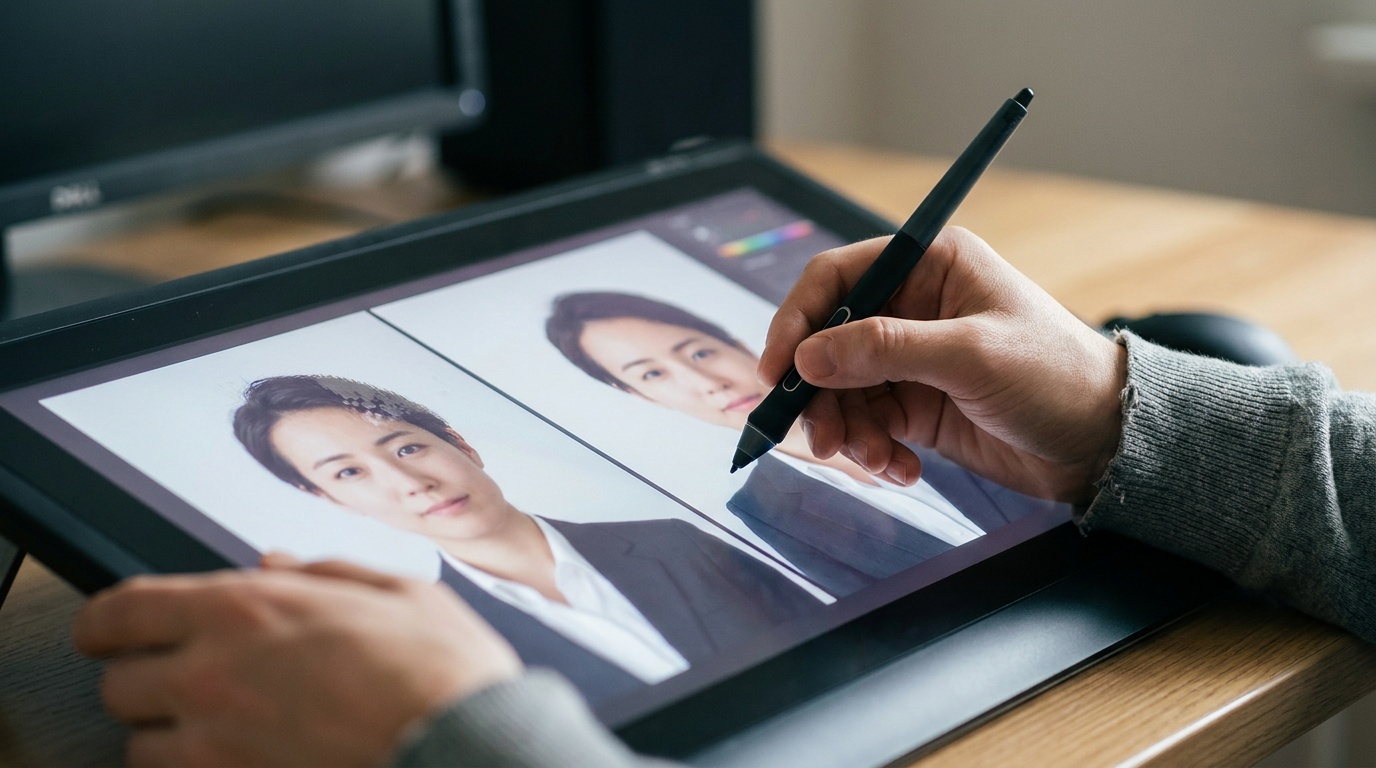
Struggling to get your whole team to look unified on your website or LinkedIn? Coordinating professional photoshoots is a logistical puzzle, especially with remote employees, and the results often vary over time. This is where using consistent team headshots AI offers a powerful and streamlined solution for modern corporate branding.
As a portrait photographer, I’ve seen firsthand the challenges companies face in maintaining a cohesive look. A new hire’s headshot, taken a year after the initial team shoot, almost never matches perfectly. AI-powered tools have emerged not as a replacement for artistry, but as a practical answer to the specific problem of scalability and uniformity in corporate imaging.
The Traditional Challenge of Team Headshots
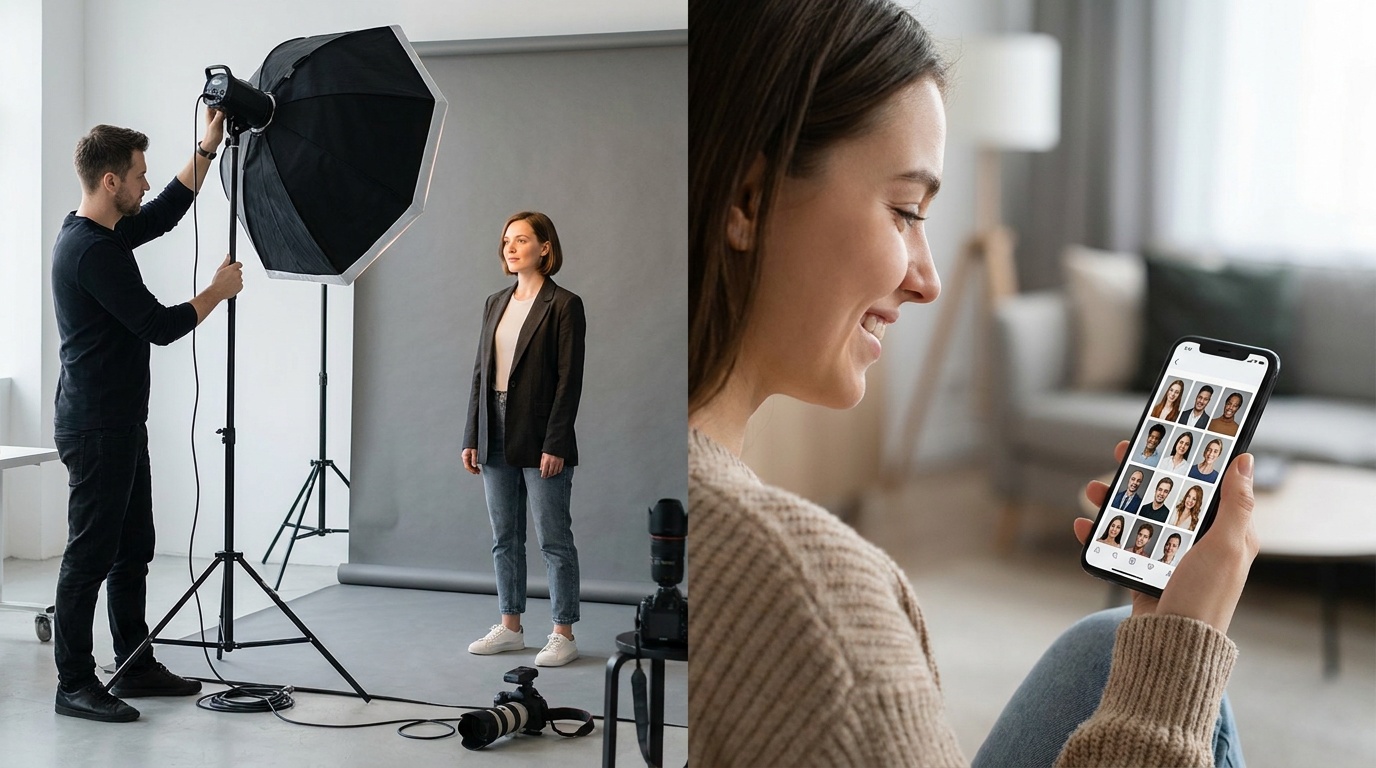
For years, the gold standard was hiring a professional photographer to capture the entire team on a single day. While effective for a moment in time, this approach is fraught with logistical and long-term consistency issues that many marketing and HR managers know all too well.
First, there's the scheduling. Getting every employee, from the CEO to the newest intern, available on the same day is a nightmare. This often involves disrupting workflow, booking a space, and dealing with inevitable last-minute absences. For global or even nationally distributed teams, it's simply impossible.
Then comes the problem of inconsistency over time. Let's say you hire a great photographer and get a beautiful set of headshots. Six months later, you have five new hires. Do you hire the same photographer? They might use slightly different lighting, a new camera, or a different editing style. The background might be a shade off. These subtle differences create a jarring, unprofessional look on your company’s “About Us” page.
This problem is amplified with remote work. Your new marketing lead in London can’t use the same photographer as your engineering team in San Francisco. The result is a patchwork of headshots with different lighting, backgrounds, and quality levels, which dilutes your brand's visual identity.
Why Brand Consistency in Headshots Matters
A team page is often the first place a potential client or new hire looks to get a feel for your company. Inconsistent headshots send an unintentional message of disorganization or a lack of attention to detail. A unified visual presentation, on the other hand, speaks volumes.
Professionalism and Trust: When every team member's portrait shares the same high-quality lighting, background, and style, it projects an image of a cohesive, professional, and well-organized unit. It builds subconscious trust with the viewer.
Reinforces Brand Identity: Your headshot style is a part of your brand. Are you a modern, tech-forward company? Crisp, clean headshots with a solid background might be your look. Are you a creative agency? Perhaps a more dynamic, personality-driven style fits better. Consistency ensures this brand story is told clearly through every employee.
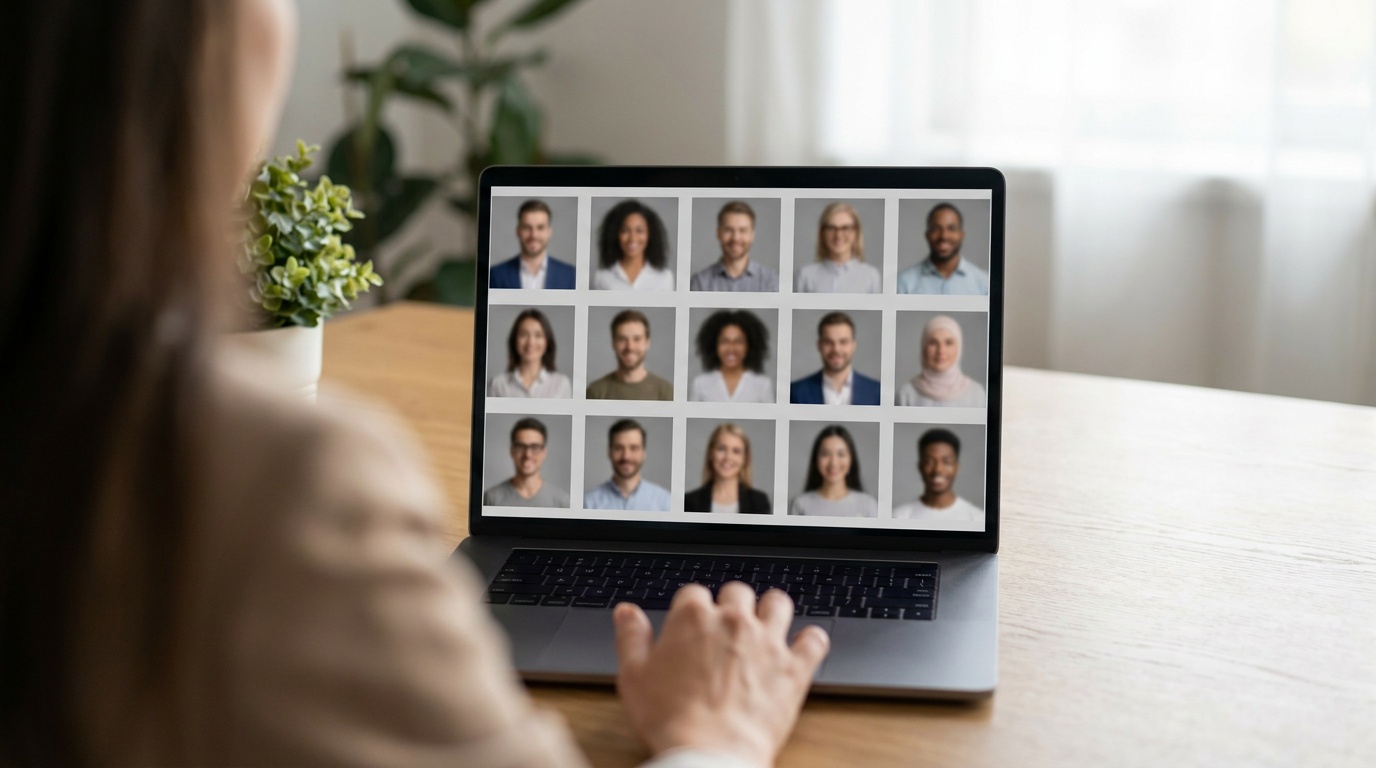
Improves User Experience: A clean, uniform grid of faces is aesthetically pleasing and easy to scan. It removes visual clutter and allows the viewer to focus on the people themselves, creating a better experience on your website, in pitch decks, and across professional networks like LinkedIn.
Achieving Consistent Team Headshots with AI
This is where AI transforms the process from a logistical headache into a streamlined, creative task. AI-powered portrait generators excel at controlling variables, allowing you to create a uniform look for every single person, regardless of where or when their original photo was taken.
Total Control Over Key Variables
As a photographer, my job is to control light, background, and composition. AI allows you to do the same thing, but at scale and with digital precision.
- Backgrounds: You can choose one specific background and apply it universally. Whether it’s a solid studio gray, a subtly blurred office environment, or an outdoor architectural element, every single team member will have the exact same backdrop. No more mismatched office walls or distracting home backgrounds.
- Lighting: This is one of the most powerful features. You can define a lighting style—for instance, a classic “Rembrandt” setup with a triangle of light on the cheek for a dramatic, confident look, or a soft, flat light from a large softbox for an open and approachable feel. The AI applies this lighting model to each face, ensuring every portrait has the same mood and quality of light.
- Posing and Framing: While AI doesn't force a single pose, it generates options within a consistent framework. You can achieve a uniform crop (e.g., chest-up) and a similar range of professional expressions and head angles for everyone, eliminating awkwardly framed selfies or inconsistent body language.
- Wardrobe Style: This is a game-changer. While the AI can't change the t-shirt someone wore in their source photo into a completely different garment, it can standardize the style. For instance, you can choose a “business formal” setting that renders everyone in a sharp, well-fitted suit jacket or blazer. This ensures that even if employees submit photos in casual wear, their final headshots align with a professional dress code.
Upload a photo, pick a look and get your portrait in a minute. Your face stays yours.
Try itA Practical Guide to Generating AI Team Headshots
Getting consistent team headshots ai generated is a straightforward process, but success hinges on preparation. Following these steps will ensure you get professional, high-quality results that truly represent your brand.
Step 1: Define Your Brand's Headshot Style Guide
Before you upload a single photo, you must decide on your desired look. This is the most critical step. Create a simple document outlining your standards. If you don't, you'll end up with inconsistent results, defeating the entire purpose.
Your Headshot Style Checklist:
- Background: What is the color or scene? (e.g., Solid charcoal gray, blurred modern office, warm brick wall).
- Lighting: What is the mood? (e.g., Bright and airy, dramatic and cinematic, warm golden hour).
- Clothing: What is the dress code? (e.g., Business formal with dark suits/blazers, smart casual with collared shirts/blouses, uniform color scheme).
- Framing: How should subjects be cropped? (e.g., Head and shoulders only, chest-up).
- Overall Vibe: What feeling should the portraits evoke? (e.g., Confident and authoritative, friendly and approachable, creative and innovative).
Step 2: Instruct Your Team on Taking Source Photos
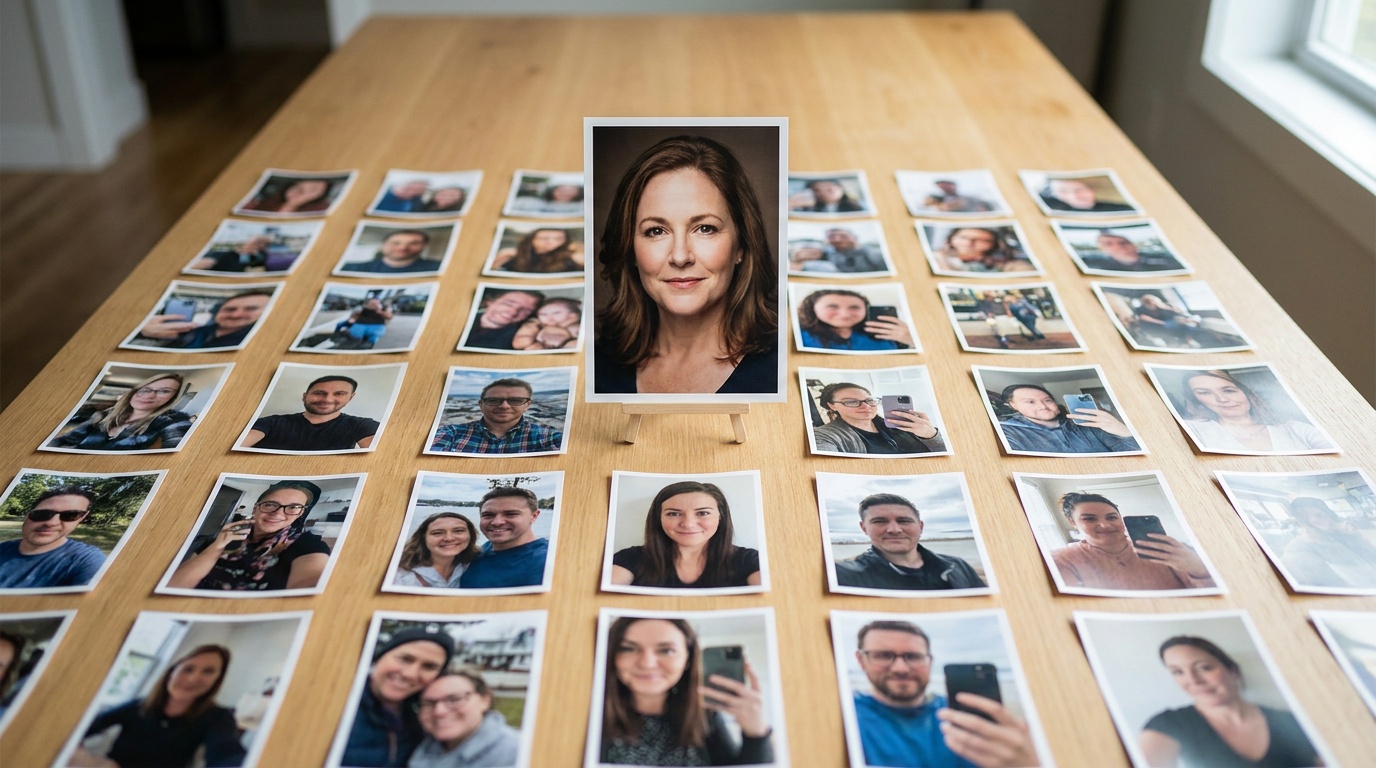
The quality of your AI headshots is directly dependent on the quality of the input selfies. Garbage in, garbage out. Provide your team with clear, non-negotiable instructions.
The Perfect Selfie Checklist for AI Generation:
- Find Good Light: Face a large window to get soft, even, natural light. This is the single most important factor. Avoid direct, harsh sunlight and overhead indoor lighting, which creates unflattering shadows under the eyes and nose.
- Use a Simple Background: Stand in front of a plain, neutral-colored wall. This helps the AI isolate you from the background more easily.
- Get the Angle Right: Hold your phone at or slightly above eye level. Never shoot from below—it's an unflattering angle for almost everyone.
- Expression is Key: Submit a few options. A natural, gentle smile is great for an approachable brand. A confident, neutral expression works well for a more corporate look. Avoid exaggerated expressions.
- What to Wear: A simple, solid-colored top (like a crew-neck t-shirt or simple blouse) works best. Avoid busy patterns, stripes, and large logos that can confuse the AI.
- Technical Specs: Ensure the photo is high-resolution, sharp, and in focus. No social media filters, sunglasses, hats, or headphones. Your entire face and shoulders should be clearly visible.
Step 3: Generate the Headshots
Once you've collected the source photos, the process is simple. Platforms like Portretto are designed for this. Each employee can upload a handful of their best selfies directly. As the administrator, you then select the style that matches the brand guide you created in Step 1—for example, “Corporate Headshot” with a gray background.
The AI then gets to work, generating a gallery of professional options for each person. The beauty is that because you’ve selected the same style for everyone, the resulting portraits will be perfectly consistent in lighting, background, and tone, while still retaining each individual's unique facial features.
Step 4: Review and Select the Final Images
AI provides the tools, but a human eye should always make the final call. Review the gallery of options generated for each employee. Choose the image that not only looks the most realistic but also best captures that person's personality within the brand's framework. This final curation step ensures authenticity and prevents a sterile, overly uniform feel.
Common Mistakes to Avoid
Transitioning to an AI workflow is easy, but a few common pitfalls can compromise your results. Here’s how to avoid them.
- Mistake 1: Accepting Low-Quality Source Photos. The most common error is being too lenient with the input photos. A blurry, poorly lit selfie will produce a blurry, poorly lit AI headshot. Enforce the selfie checklist from Step 2. It’s better to ask an employee to retake their photo than to generate a subpar final image.
- Mistake 2: Not Having a Clear Style Guide. Don't just dive in and let employees pick their own styles. This recreates the same problem of inconsistency you're trying to solve. Define your brand's look first and apply it universally.
- Mistake 3: Choosing Unrealistic or Overly-Edited Styles. The goal is a photorealistic portrait, not a fantasy avatar. Stick to professional, studio-style options. The best AI headshots are the ones where you can't tell it's AI—they just look like a great photo that preserves the person's real face.
- Mistake 4: Forgetting Your Onboarding Process. Your headshot system needs to work for future hires. The great advantage of an AI workflow is its scalability. Simply incorporate the “selfie checklist” into your new employee onboarding packet. When they join, they submit their photos, and you can generate a perfectly matching headshot in minutes, not months.
The Clear ROI of AI-Powered Team Headshots
Beyond just aesthetics, adopting an AI solution for your corporate headshots offers a tangible return on investment.
Cost Savings: The cost of generating AI headshots for an entire team is a fraction of hiring a professional photographer, especially when factoring in travel for distributed teams, location fees, and the photographer's day rate. For a team of 50 spread across three cities, the savings can be thousands of dollars.
Time Savings: The process is asynchronous. Employees can take their selfies in five minutes on their own time. There are no lost workdays for company-wide photoshoots. The entire process, from photo submission to final selection, can be managed in a few hours.
Unmatched Scalability: This is perhaps the biggest benefit. Onboarding a new employee is visually seamless. You no longer have to wait for a “new hire photo day” or settle for a mismatched selfie on the team page. Your brand presentation remains consistent and professional, always.
Ultimately, leveraging AI for team headshots is a smart, strategic decision. It solves a persistent branding challenge with a modern, efficient, and high-quality solution, ensuring your company always puts its best face forward.
FAQ
Can AI headshots really look professional and realistic?
Yes, absolutely. Modern AI models, when provided with high-quality source photos, can replicate complex studio lighting and textures to produce photorealistic results. The key is to choose professional styles and ensure the AI preserves the person's authentic facial features, which quality platforms are designed to do.
How do we ensure our remote employees take good enough photos for the AI?
The best way is to provide a simple, mandatory checklist. Instruct them to face a window for soft light, use a plain wall as a background, hold the camera at eye level, and submit several clear, high-resolution options without filters.
Is it expensive to get consistent AI headshots for a whole team?
Compared to traditional photoshoots, AI is significantly more cost-effective. It eliminates photographer fees, travel costs, location rentals, and lost productivity, making it an affordable solution, especially for large or distributed teams.
What if we don't like the AI-generated options for an employee?
Most services generate a variety of options for each person, so you have choices. If none are suitable, the problem is almost always the source photos. The best solution is to ask the employee to submit new selfies following the guidelines more closely.
How does AI handle consistency for new hires joining later?
This is a major strength of AI. Once you've defined your brand's headshot style (e.g., gray background, specific lighting), you can apply that same style to a new hire's photos months or years later. The AI will generate a new headshot that perfectly matches the rest of the team.