Can You Use an AI Headshot for a Passport? Rules Guide
As AI photo editors become more powerful, many people are asking, can I use an AI headshot for my passport or other official ID? It seems like a convenient way to get a perfect picture, but a passport photo isn't about looking your best—it's about accurate identification. Before you upload that AI-generated image, it's crucial to understand the strict government regulations and the serious risks involved.
The Unbreakable Rules of a Passport Photo
Governments worldwide have stringent requirements for passport photos to ensure their biometric identification systems work correctly. While rules vary slightly by country, they share the same core principles. For this guide, I'll focus on the U.S. Department of State regulations, which are a strong benchmark for most Western countries.
A passport photo is a technical document, not a creative portrait. Every detail is scrutinized.
The Official U.S. Passport Photo Checklist
- Recent Photo: Taken within the last 6 months to reflect your current appearance.
- Size and Framing: The photo must be exactly 2 x 2 inches (51 x 51 mm). Your head must be between 1 and 1 3/8 inches (25 to 35 mm) from the bottom of the chin to the top of the head.
- Background: Plain white or off-white with no patterns, textures, or objects.
- Photo Quality: Must be high-resolution, sharp, and in focus. It cannot be blurry, grainy, or pixelated.
- Lighting: The light must be even across your face, with no shadows on your face or in the background. Overexposure (too bright) and underexposure (too dark) are grounds for rejection.
- Pose: You must face the camera directly with your full face in view. No selfies taken from a high or low angle, as this distorts facial features.
- Expression: A neutral facial expression or a slight, natural smile is required. Both of your eyes must be open and clearly visible.
- Attire and Accessories: No glasses (unless you have a medical note). No hats or head coverings, unless worn daily for religious purposes, and even then, your full face must be visible. No uniforms or camouflage attire.
- No Digital Alterations: This is the most important rule in our discussion. The U.S. Department of State explicitly states: “The photo must not be digitally enhanced or altered to change your appearance in any way.”
This last point is the critical one. It’s not just about adding a funny hat or changing your eye color. Any software-based change to your core facial features is strictly forbidden.
So, Can You Use an AI Headshot for Your Passport?
Based on the “no digital alterations” rule, the answer is almost certainly no. Submitting an AI-generated or heavily AI-edited photo is extremely risky and highly likely to result in rejection.
Passport acceptance offices use both sophisticated software and trained human reviewers to spot signs of manipulation. These can include unnatural skin texture, inconsistent lighting on the face versus the hair, pixel artifacts around the hairline, or subtle asymmetries that indicate digital editing.
Let's break down why different types of AI photos fail to meet the standard.
AI-Generated Avatars (Text-to-Image)
This is a non-starter. AI tools that create a person from a text prompt or merge your face with a stylized template are creating a fictional character. Even if it looks like you, it is not a photograph of you. Submitting this would be a form of misrepresentation and will be rejected immediately.
AI Enhancement and Retouching
This is a more nuanced area and where most people get into trouble. You might think, “I’ll just use AI to remove a pimple or whiten the background.” However, most AI photo tools do more than you ask.
When you upload a photo to an AI enhancer, its algorithms often make subtle, automatic “improvements” that count as alterations. These can include:
- Skin Smoothing: Erasing pores, wrinkles, and blemishes changes your natural skin texture.
- Facial Sculpting: Minor adjustments to jawline width, nose shape, or eye size are common in AI “beautification” filters.
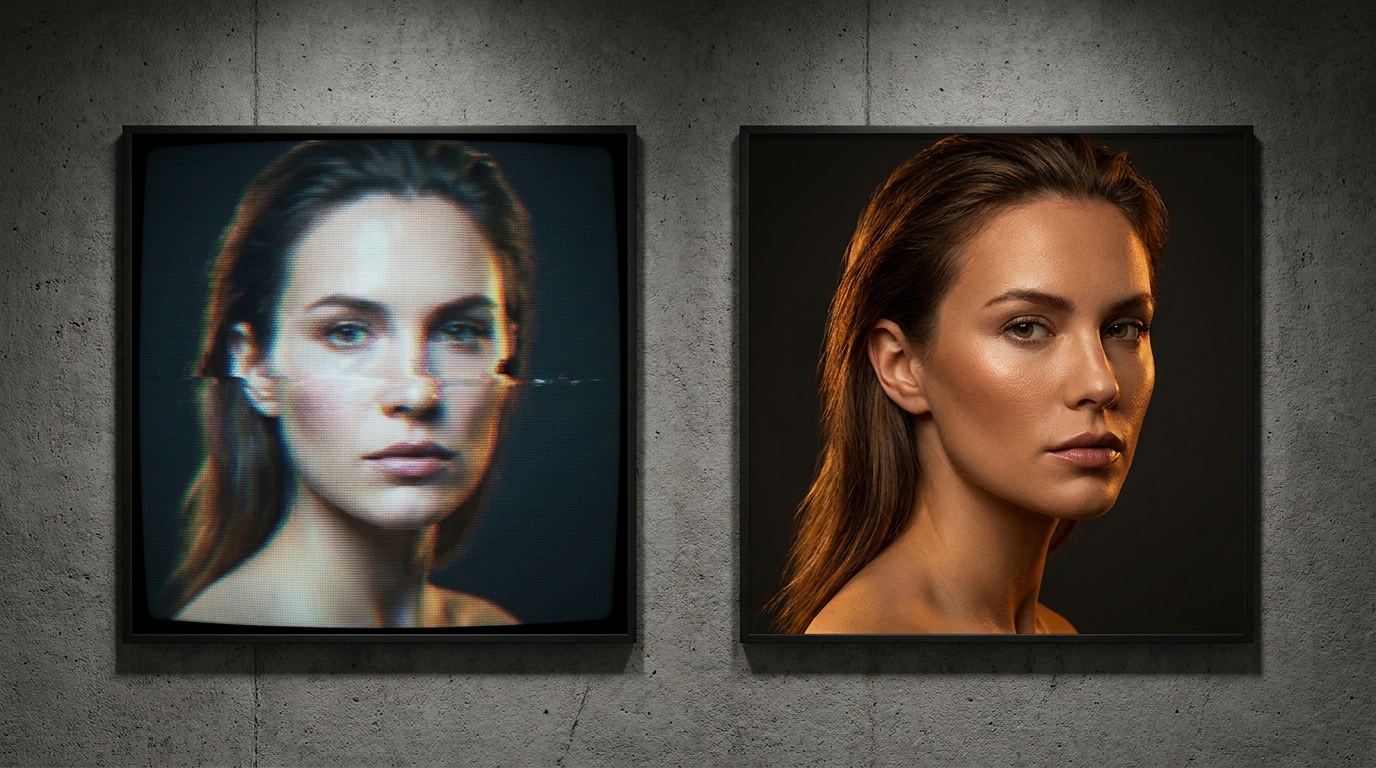
- Changing Lighting: While you might want to remove shadows, AI often does this by repainting parts of your face with generated pixels. This can create an unnatural, plastic-like look that reviewers are trained to spot.
Even if an AI tool only promises to change the background, the process of cutting you out can leave digital artifacts or soften the edges of your hair and shoulders. These are red flags for passport reviewers.
As a photographer, I can spot heavy-handed editing from a mile away. Unnatural catchlights in the eyes, skin that's too perfect, or a background that's too perfectly white are all giveaways. Passport agents are trained to see the exact same things.
The Real-World Risks of Submitting an AI Photo
Trying to use an AI headshot for your passport isn't just a small gamble; it can have significant consequences that disrupt your plans and cost you money.
- Application Rejection and Delays: This is the most common outcome. Your application will be put on hold, and you'll receive a letter requesting a new, compliant photo. This can add weeks or even months to your processing time, potentially forcing you to cancel or postpone travel.
- Loss of Money: You won't be refunded for your application fee if your photo is rejected. You'll also have to pay again to get a new, compliant photo taken.
- Increased Scrutiny: Once you've submitted a non-compliant photo, your new submission may be examined more closely. In very rare and extreme cases, if the alteration is so significant that it appears to be an attempt to falsify your identity, it could trigger a fraud investigation.
Ultimately, the convenience of using an AI editor is not worth the near-certainty of rejection and delay.
Upload a photo, pick a look and get your portrait in a minute. Your face stays yours.
Try itHow to Take a Passport-Compliant Photo at Home (The Right Way)
You don't need to be a professional photographer to take a compliant passport photo. You just need to be meticulous and follow the rules. I've taken hundreds of headshots, and the principles for a good passport photo are all about controlling the environment.
Your At-Home Photo Studio Checklist
- Background: Find a solid, plain white or off-white wall. Avoid walls with texture, patterns, or pictures. If you don't have one, tape a large piece of smooth, white poster board to the wall.
- Lighting (The Most Important Part): Natural light is your best friend. Stand facing a large window during the daytime. Do not stand in direct, harsh sunlight, which creates dark shadows. An overcast day is perfect, as it provides soft, diffused light. Turn off all indoor lights, as they can cast a yellow hue and create competing shadows.
- Camera: Use the rear-facing camera on a modern smartphone, as it has a higher resolution than the front-facing (selfie) camera. Clean the lens first!
- Stability: Do not take a selfie. The angle distorts your face, and it's hard to hold the phone steady. Either ask a friend to take the photo or use a tripod with your phone's self-timer. The camera should be positioned directly at your eye level, about 4 feet away from you.
Step-by-Step Guide
- Set Up: Stand about 2 feet in front of your plain white background. This small separation helps prevent your shadow from appearing on the wall.
- Position Yourself: Face the camera directly. Your shoulders should be square to the camera. Look straight into the lens.
- Check Your Appearance: Remove your glasses, hats, and any large, distracting jewelry. Tie back long hair so it doesn't cover any part of your face. Wear a dark, solid-colored shirt (like blue, black, or grey) so you don't blend into the white background.
- Set Your Expression: Adopt a neutral expression. Don't smile broadly or frown. Your mouth should be closed, and your eyes should be naturally open.
- Take the Shot: Have your friend take several photos, or use the timer. Take more than you think you need so you can choose the sharpest one with the best expression.
Common Mistakes to Avoid
- Shadows: The most common reason for rejection. If you see shadows on your face or on the wall behind you, you are too close to the wall or your light source is too harsh or angled.
- Blurry Image: Caused by camera shake or being too close to the lens. A tripod eliminates this.
- Incorrect Head Size: When you crop the photo, make sure your head (top of hair to bottom of chin) fits the 1 to 1 3/8 inch requirement. The U.S. Department of State has a free online photo cropping tool to help with this.
Where AI Headshots Shine (and It's Not Your Passport)
So, we've established that using an AI photo for your passport is a bad idea. But that doesn't mean AI photo studios aren't incredibly useful. The key is understanding the right tool for the right job.
A passport photo's job is identification. A professional headshot's job is branding.
This is where AI tools excel. Let's say you followed the guide above and took a perfectly lit, high-quality photo at home. You can use that compliant photo for your passport application. But you can also take that same great source photo and use it for entirely different purposes.
By uploading it to a service like Portretto, you can transform that simple selfie into a whole gallery of professional portraits. You can get studio-quality business headshots for your LinkedIn profile, creative portraits for your personal brand, or a polished image for your company's website. The AI can expertly change the background to an office setting, adjust your clothing to a business suit, and optimize the lighting to look like it was shot by a professional photographer—all while preserving your unique facial identity.
For professional and social media use, these alterations are not just allowed; they're beneficial. But for a government-issued ID, the opposite is true. The goal is a raw, unaltered, and technically perfect image. Don't confuse the two.
FAQ
Can I use an AI passport photo app?
It's very risky. Many of these apps apply subtle skin smoothing or beautification filters that count as digital alteration under government rules. These subtle changes can lead to your passport photo being rejected, causing delays in your application.
Will my AI-edited photo be detected?
It is highly likely. Passport agencies use advanced software and trained human reviewers to detect digital manipulation. Unnatural skin textures, pixel artifacts, and inconsistent lighting are common red flags that can get your photo flagged and rejected.
Can I just change the background of my passport photo to white?
While you technically can, it's a common point of failure. A poorly edited background with fuzzy edges around your hair is a clear sign of manipulation. It is much safer and easier to take the photo in front of a real, plain white or off-white wall.
What's the difference between an AI headshot and a passport photo?
The primary difference is purpose and rules. A professional headshot is for branding and can be edited to make you look your best. A passport photo is for official identification and must be an unaltered, technically accurate representation of your appearance.